Integration
Handling files and data with Blob Storage and Dataverse
Documents and files need somewhere to live and a clean path in and out. How we combine Blob Storage and Dataverse for auditable, scalable file handling.
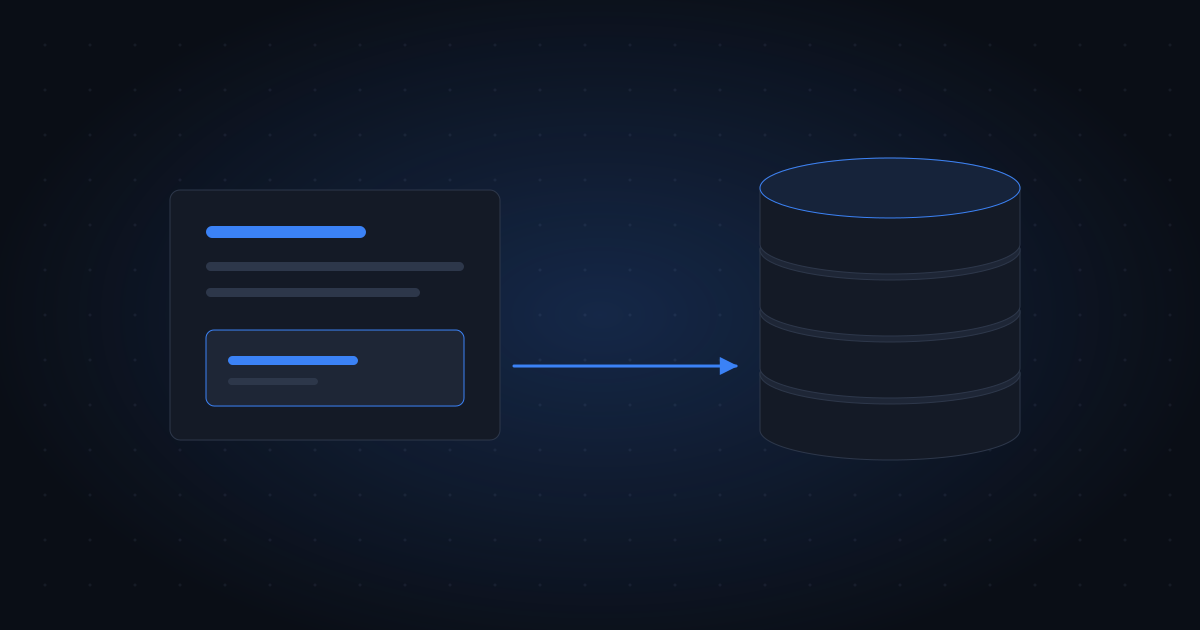
Plenty of business processes revolve around documents — invoices, contracts, patient records, exports and imports. Handling them by hand is slow, error-prone and impossible to audit. Getting the data plumbing right means files and records move where they need to be, automatically, with a clean trail behind them.
It's unglamorous work, but it's often the difference between a process that scales gracefully and one that quietly breaks under load — and between passing an audit and failing one.
The right store for the job
The first decision is where things live, and the answer is usually both Dataverse and Blob Storage, each doing what it's best at.
Dataverse is the system of record for structured data: the metadata about a document, its status, and its relationships to other records. It's queryable, secure and integrated with the rest of the platform.
Azure Blob Storage is the right home for the files themselves: cheap, durable, massively scalable object storage that handles large files far better than storing bytes inside the operational database. Keeping large binaries out of Dataverse keeps it lean and fast.
A typical arrangement stores the file in Blob Storage and registers a lightweight record in Dataverse with a reference to it, plus the metadata users and processes actually query on. You get fast, governed queries and cheap, scalable storage at the same time.
Pipelines in and out
Files rarely arrive in a convenient form, so a good pipeline does more than just store them. On the way in, an intake pipeline captures the file, validates it, classifies it, stores it and records what happened. On the way out, exports are generated, staged and delivered.
Azure Functions and Power Automate coordinate these steps, with Blob Storage as the staging ground and Dataverse tracking state. Organising storage into clear stages — incoming, processing, archived, failed — makes the pipeline easy to reason about and to recover when something goes wrong. A file that fails validation moves to the failed area with a reason attached, rather than vanishing or blocking everything behind it.
A concrete flow
Consider a document intake process:
- A file lands in an incoming blob container (dropped by a user, an integration, or an email pipeline).
- A Function validates it — right format, expected content, not a duplicate.
- The file moves to storage proper, and a Dataverse record is created with its metadata and a reference to the blob.
- Anything that needs a human decision is routed for review via Power Automate.
- The outcome — filed, rejected, escalated — is recorded against the record.
Every step is logged, so the document's journey is always visible.
Auditability and compliance
For regulated work, being able to prove what happened to every file is not optional. Recording each step — received, validated, stored, routed, actioned — creates an audit trail that stands up to scrutiny, replacing filing-by-hand with a process that is both faster and fully accountable.
Access control matters just as much. Permissions on both Dataverse and Blob Storage ensure only the right people and services can reach sensitive content, and using identity-based access rather than shared keys keeps that control tight and revocable. For particularly sensitive data, time-limited access links let you share a specific file without opening up the whole store.
Performance and cost
Storing files in the right place also keeps both performance and cost under control. Because the heavy content lives in Blob Storage, Dataverse queries stay fast and its capacity isn't consumed by megabytes of documents. Storage tiers let you move older, rarely-accessed files to cheaper cold storage automatically, so archival data costs a fraction of active data without you having to manage it by hand.
The outcome
Get this layer right and documents stop being a bottleneck. Intake takes minutes instead of days, nothing gets misfiled, every file has a clear and auditable history, and the whole thing scales without drama as volumes grow. The plumbing is invisible when it works — which is exactly the point. Users see a fast, reliable process; the organisation gets a clean compliance trail; and nobody spends their afternoon moving files by hand.