No app? Book on the website
Not every patient will install an app. In a demonstration clinic group on Parsware Clinic Queue, the clinic's own website finds a doctor, books a day, a scan or a place, and follows the queue, with the same account the phone app uses.
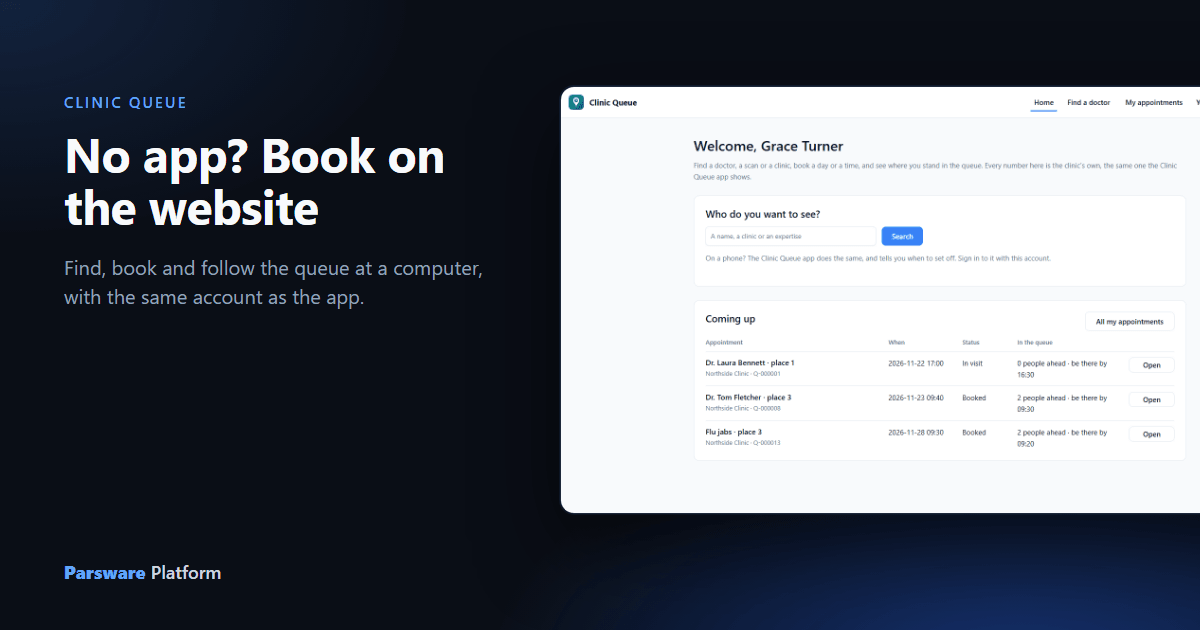
Some patients will install your app. Many won't, especially to book one appointment.
So the clinic's website does everything the app does. Here it is in a demonstration clinic group running Parsware Clinic Queue. The screens are the real website, and the clinics and patients are made up.
One account, two ways in
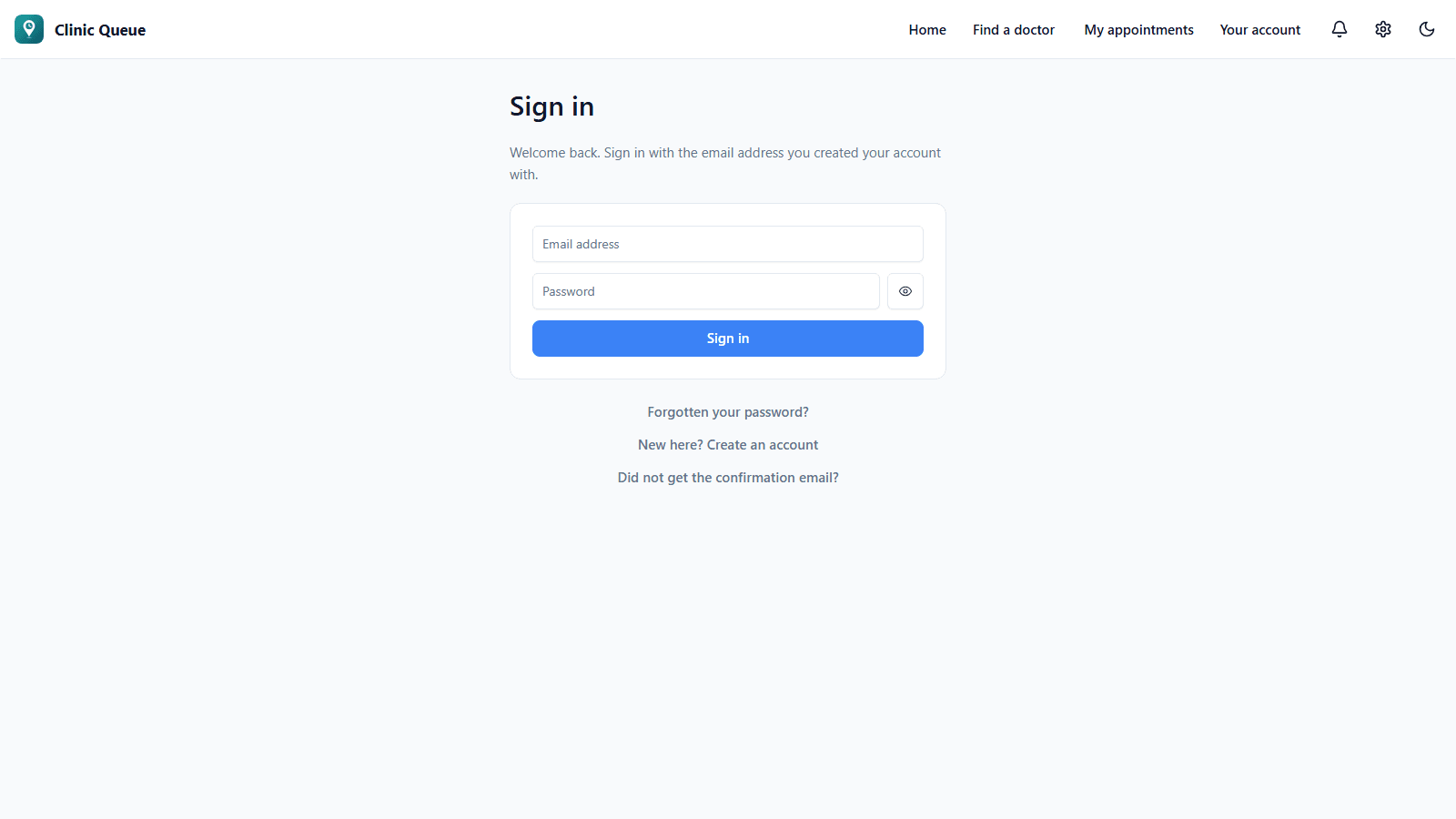
Grace signs in. It's the same account the Clinic Queue phone app signs in with, so her appointments are in both.
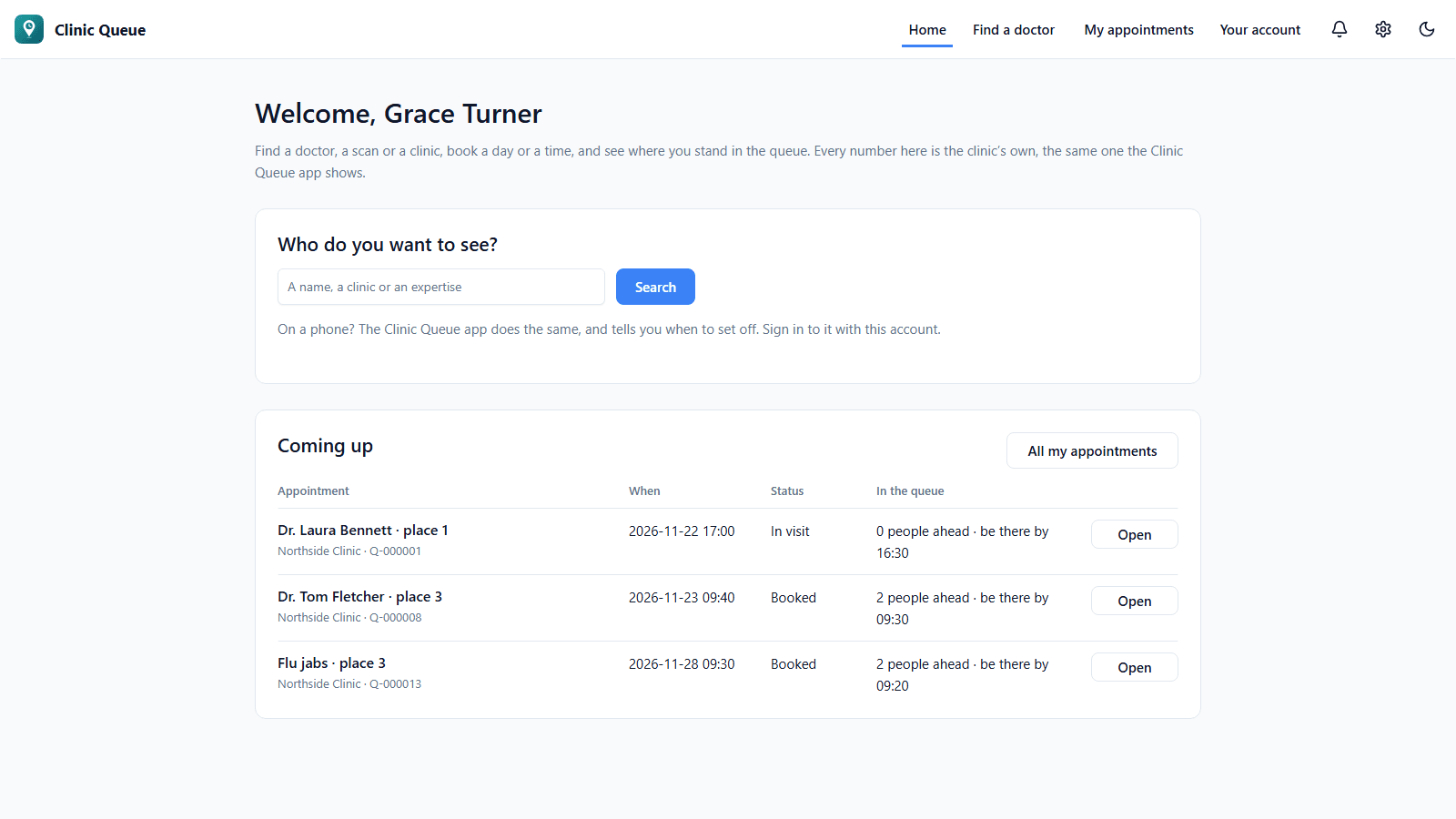
Home is a search box and what's coming up: each appointment, where it stands in the queue and when to be there.
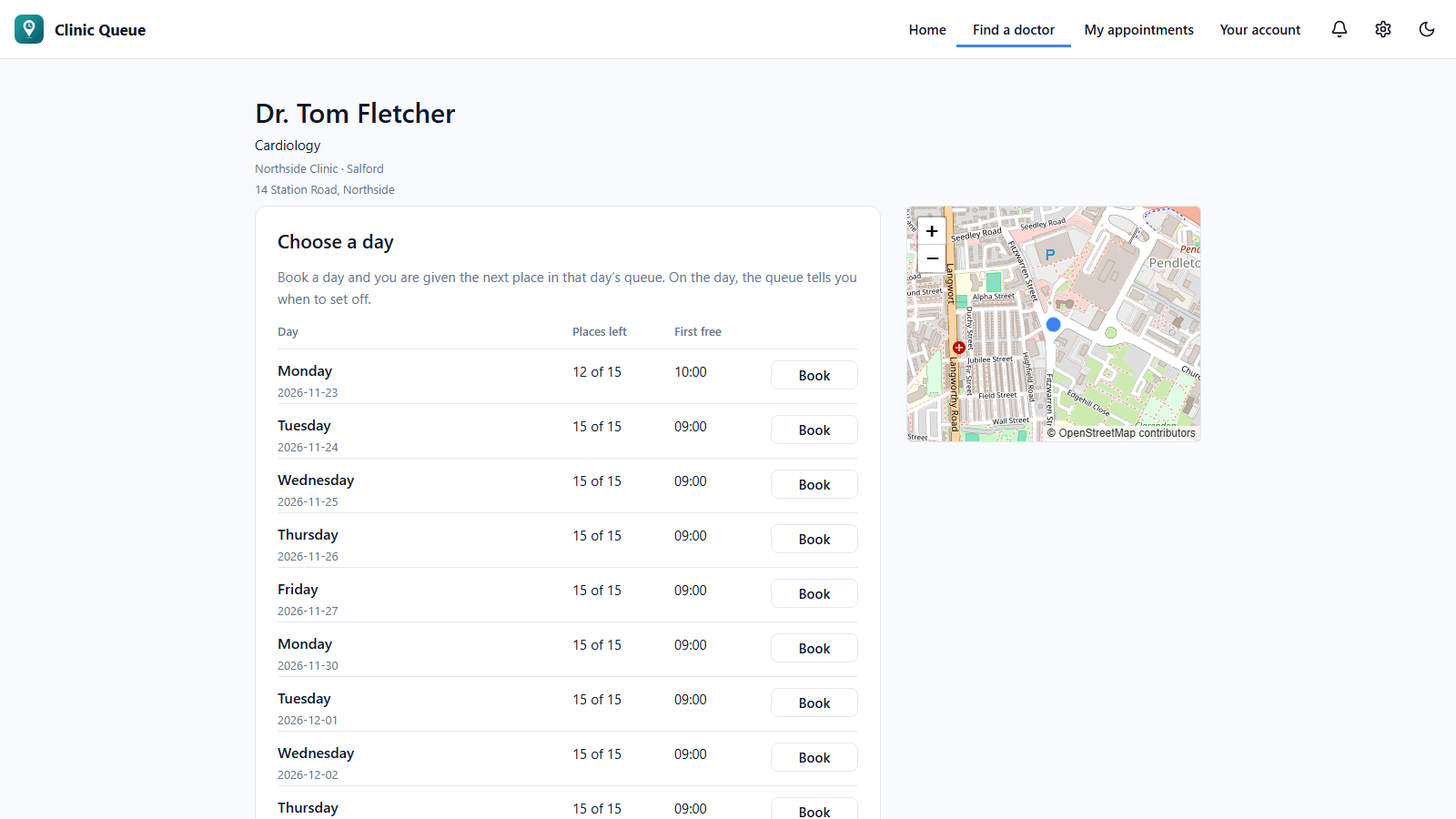
Find and book
Search by what you need, and see where it is.
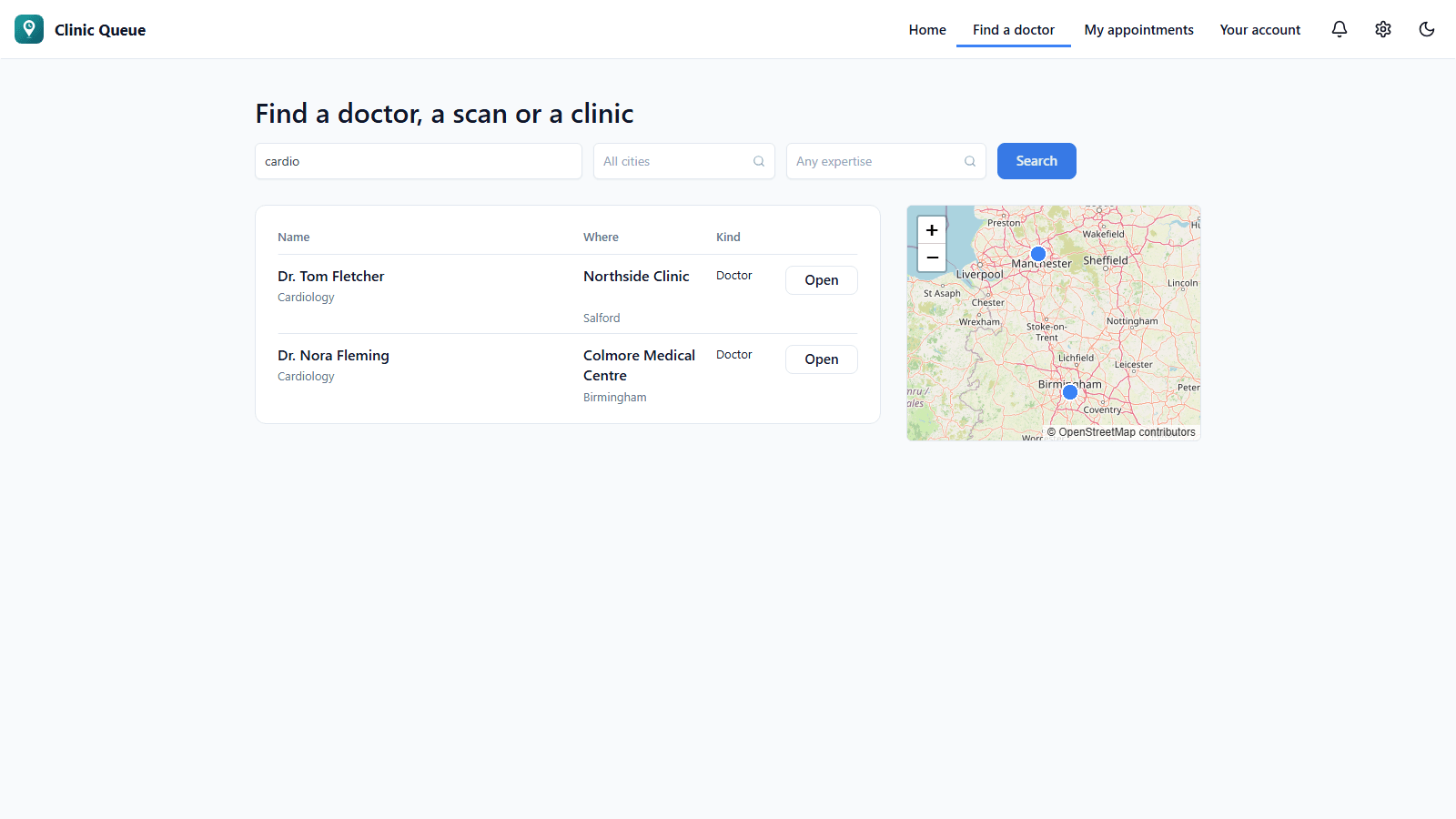
Then book a day with a doctor, a time on a scanner, or a place in a session.
Follow the queue
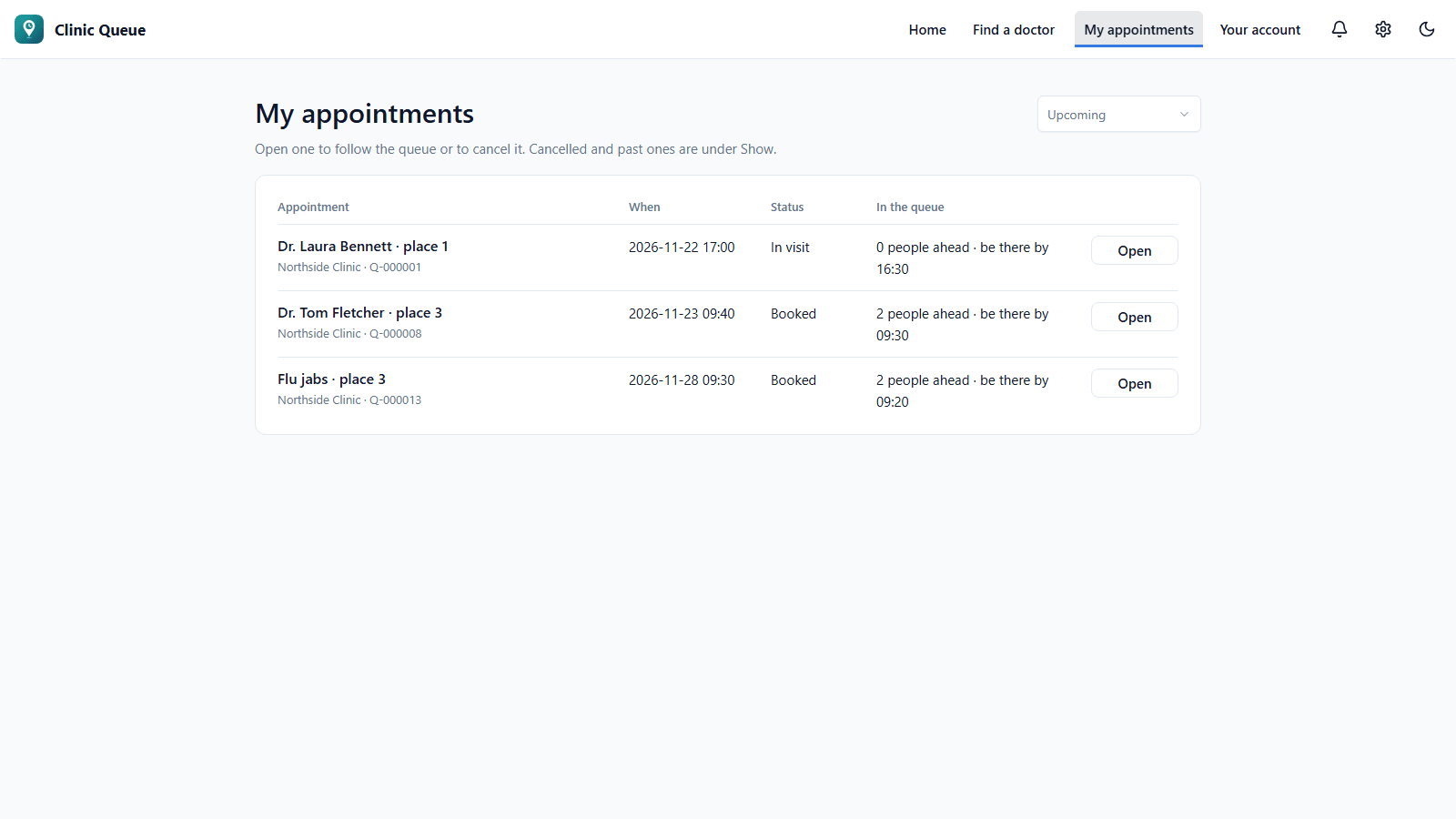
My appointments lists what's coming up. Show switches to past or cancelled ones.
Open shows where the appointment stands: people ahead, be there by, expected to start, and the clinic's address and phone. The page checks every minute, so it can be left open.
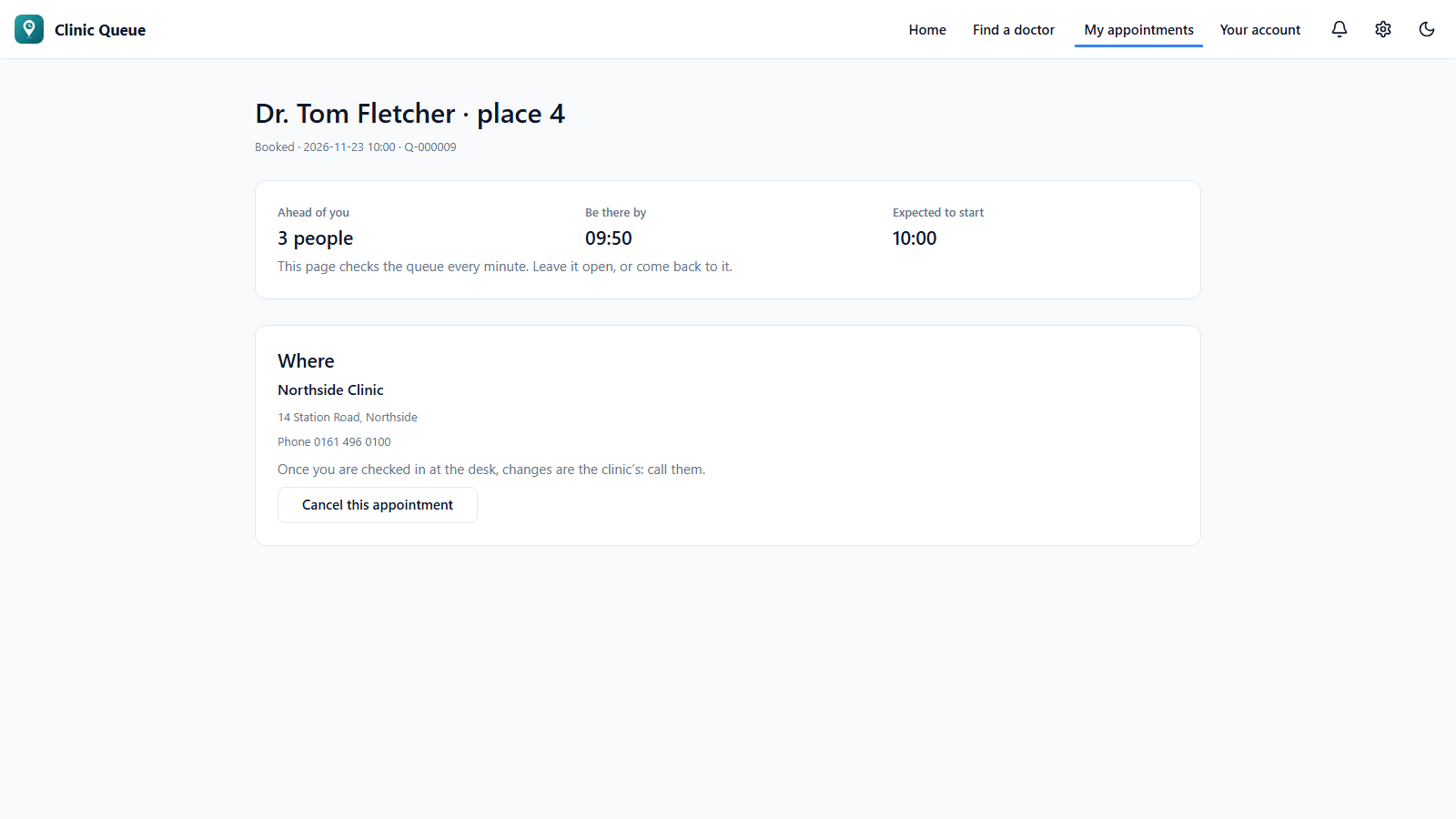
Cancelling is a button on the same page, and the place goes to the next person who books. Once the patient is checked in at the desk, changes are the clinic's.
Notifications and settings, as in the app
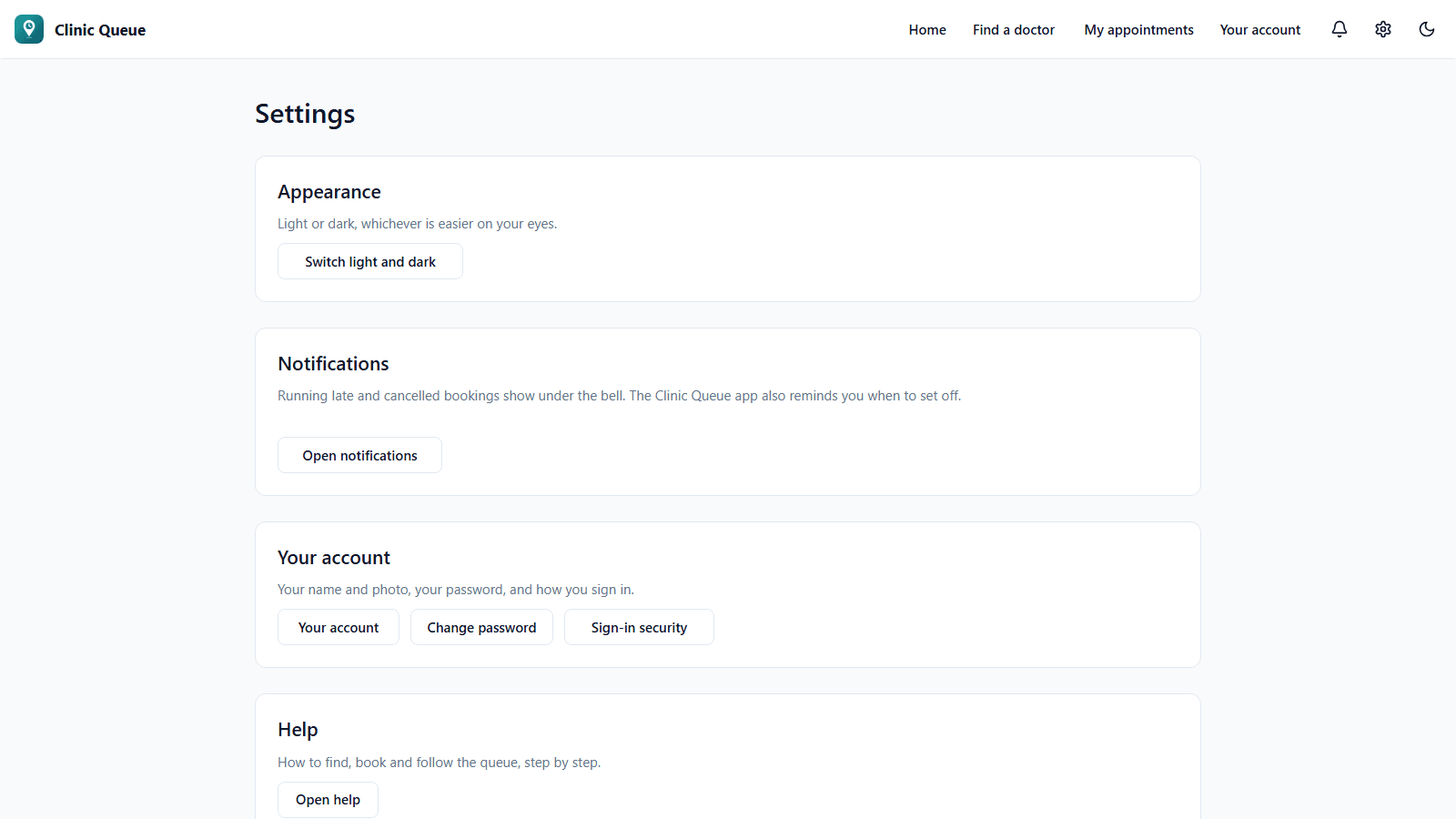
The bell lists appointments whose doctor is running late and bookings the clinic cancelled. The gear holds light or dark, notifications, the account and password, help, and sign out.
What the owner now knows
Patients who won't install an app still book themselves and still wait at home. And the clinic runs one booking system, not two: the website, the phone app and the desk all read the same queue.
Tell us how your clinic runs, and we'll show it to you running on Parsware. parsware.com/contact
About the demonstration: the clinics and patients are made up. Grace's account was made for her before the pictures.