Parsware Platform
Assignment: who gets the task
A user task has to land in somebody's list. It goes to whoever its Assigned to answers, or failing that whoever holds its lane's role in the run's unit, and a step can refuse the person who started the run. We went through each on the Leave Approval sample, and found the help page telling people to write something that doesn't work.
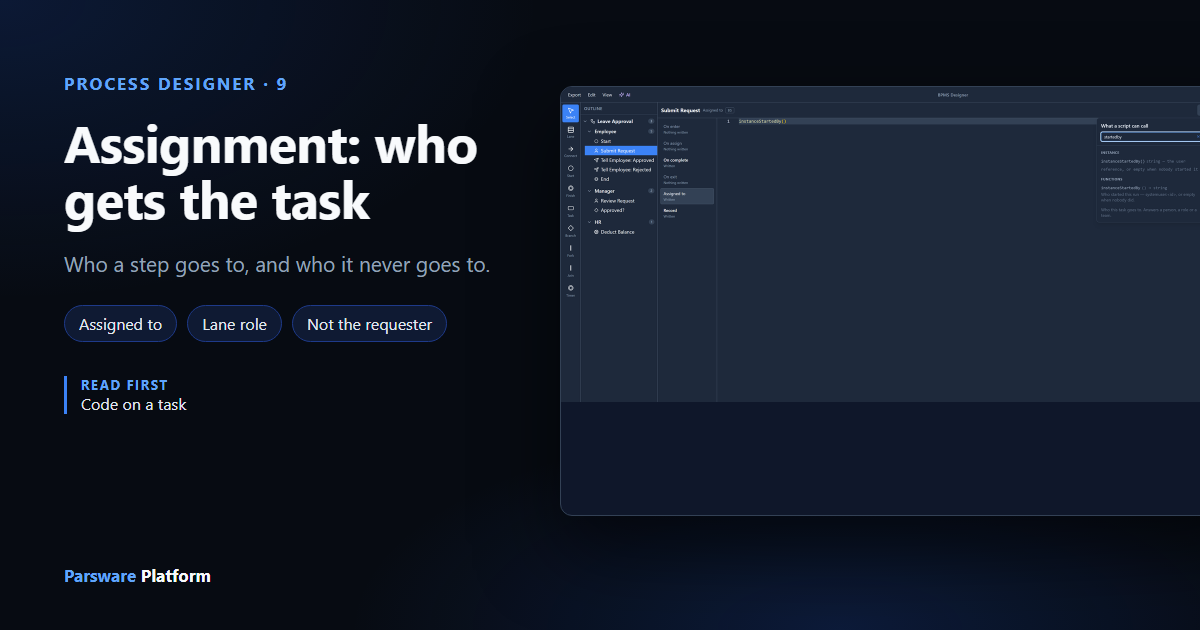
A user task waits for a person, so the platform has to know which person. There are three places that decide it, and they're asked in order:
- The step's own Assigned to, if it has one.
- Otherwise the lane's Role: whoever holds that role in the unit the run belongs to.
- Then Who may not decide it takes the person who started the run out of the answer, if you ask it to.
We used the Leave Approval sample from samples/solutions/bpms-leave-approval-process, opened in
the process designer. Swimlanes and roles covered the lane's Role;
this article is about the step.
Assigned to: one expression
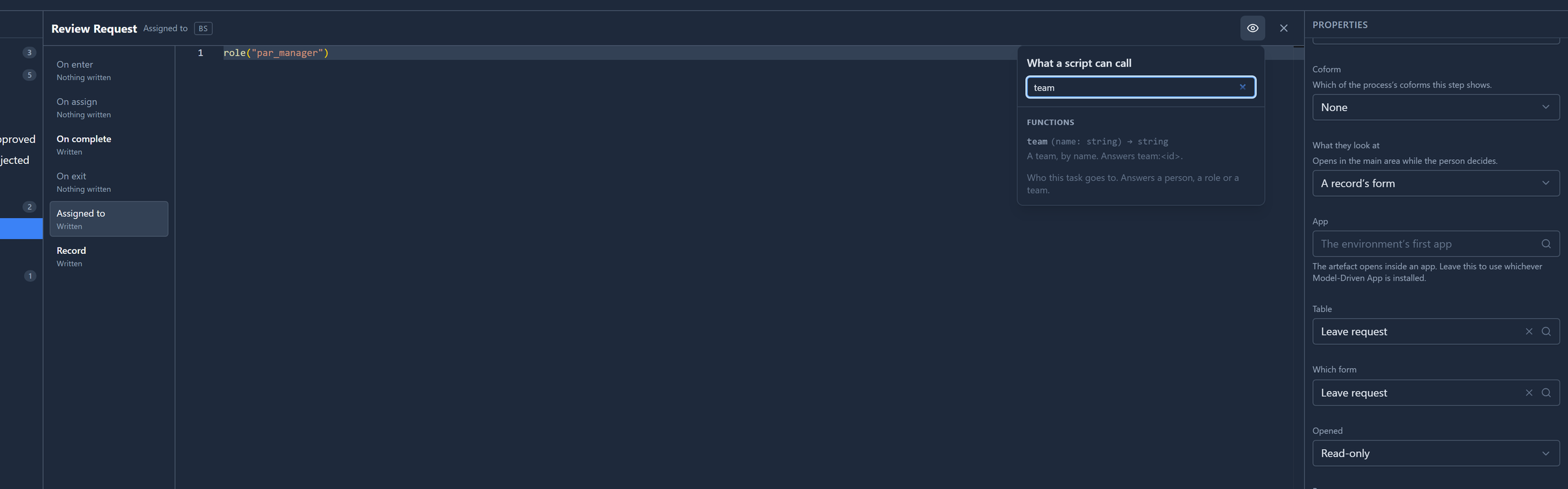
Select Review Request and, under Code, open Assigned to. It's one line of BS:
role("par_manager")
The eye in the header lists what this slot can call. Only Assigned to is offered the three
functions that name somebody. Here it's filtered to team:
| You want | Write |
|---|---|
| Whoever holds a security role | role("par_manager") |
| One particular person | user("a.khan") |
| A team's members | team("Finance") |
| Whoever started this run | instanceStartedBy() |
When the answer is several people, they all see the task in their list and the first to open it takes it.
It's an expression rather than a picker on purpose: the useful answers are often worked out, such as
role(getVariable("approver")), a role an earlier step chose.
Whoever started it
The sample's first step, Submit Request, has role("par_employee"). That offers it to every
employee, when the person who should fill it in is the one who asked. That's
instanceStartedBy():

The help page said to write instance.startedBy. Type that and the editor underlines it: Class
definition for identifier not found. A process hands a script functions, not objects, so there is
no instance to take .startedBy from. The working form is the function. We corrected the help
page in every language, and the instructions the process AI is given, which said the same thing and
would have drawn processes with the same mistake.
No Assigned to: the lane decides
Leave Assigned to empty and the step goes to its lane's Role. A lane's Role is answered from the
organisation: whoever holds that role in the run's unit, so a request raised in one branch goes
to that branch's manager, not to every manager in the company. A step's role("…") offers the task
to everybody with the role, wherever they are.
So use the lane for "the person in this role, here", and a step's own expression only where one step needs somebody else.
A step with neither is still created when the run reaches it, but it's in nobody's list, and the run's history says could not be assigned to anybody.
Not the person who asked
A manager shouldn't approve their own leave. Select Review Request and find Who may not decide it:
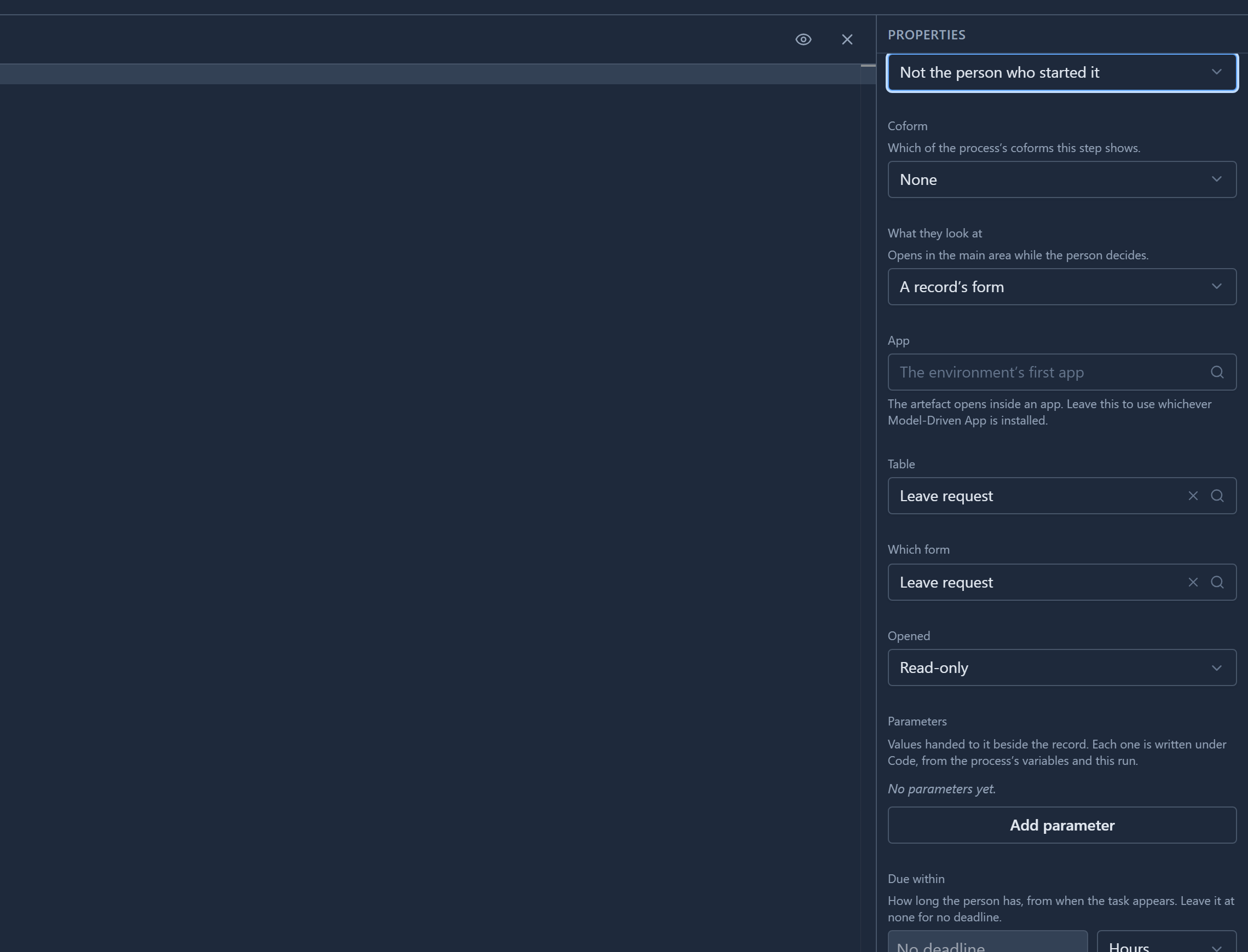
Choose Not the person who started it. The person who started the run is then taken out of whoever the step's rule answered. If they were the only one, the rule counts as having answered nobody, and the next one gets its turn. A run nobody started, such as one a record change set off, excludes nobody.
The sample leaves this at Anyone it is assigned to. We set it to see it, and didn't save.
What isn't on a screen yet
The process engine can do more than these three: the head of the unit, the manager of a given
person, walking up the unit tree until somebody holds a role, and what to do when nobody does. The
bpms-two-step-record-approval sample's second lane uses three of them. But they can only be
written into the process file and imported. The designer doesn't show or edit them, so we're not
showing them here.
Assignment by position isn't built at all: the organisation has units and roles, not positions. We've changed this article's description in the content list to match, so it promises only what works.
Try it
Change Submit Request's Assigned to to instanceStartedBy(), set Review Request to Not
the person who started it, and select Save. Leave approval now goes back to the person who
asked, and never to them for the decision.
Next: process variables, the values a process carries from one step to the next.