Parsware Platform
Delete a table safely
Deleting a table in Parsware removes its definition and its data from the environment, so the platform first checks what still depends on it. A lookup that points at the table, or an app that shows it, blocks the delete and is listed by name.
این مقاله فقط به انگلیسی در دسترس است.
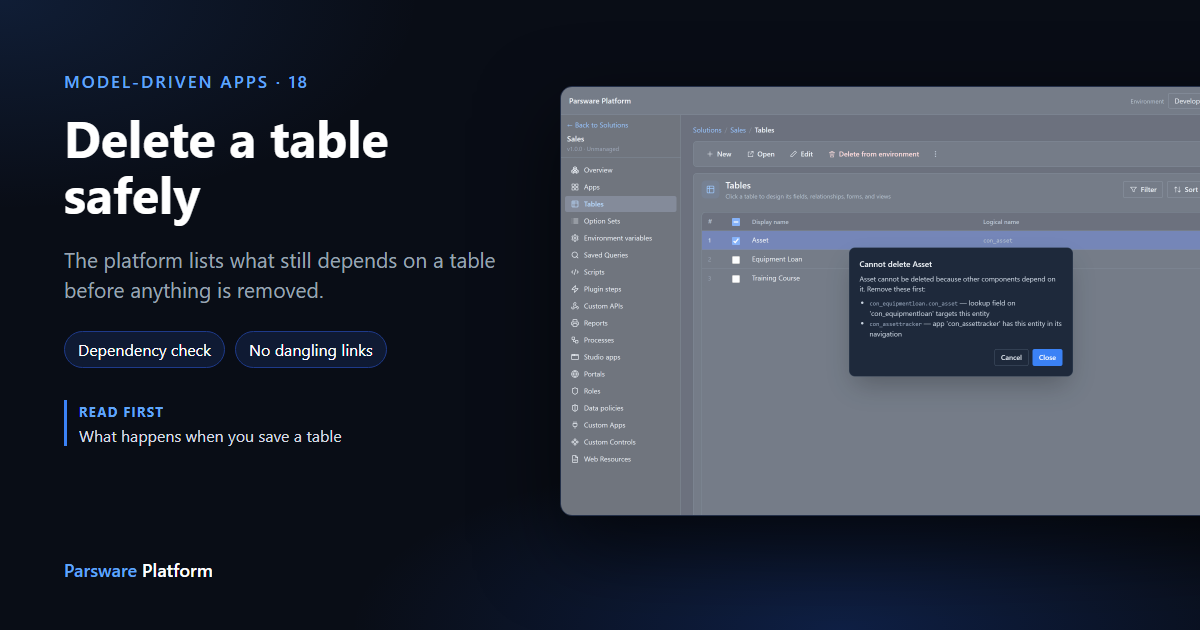
Saving a table creates it in the database straight away (what happens when you save a table). Deleting one is just as direct: its definition and every row of its data leave the environment. So before anything is removed, the platform checks what else still depends on the table, and refuses while anything does.
In 036 we made an Equipment Loan table with a lookup to Asset and put it in the Asset Tracker app. Here we delete it again. Every picture is the real product.
Try the one with dependents
In your solution, open Tables, tick a table and press Delete from environment. We started with Asset:
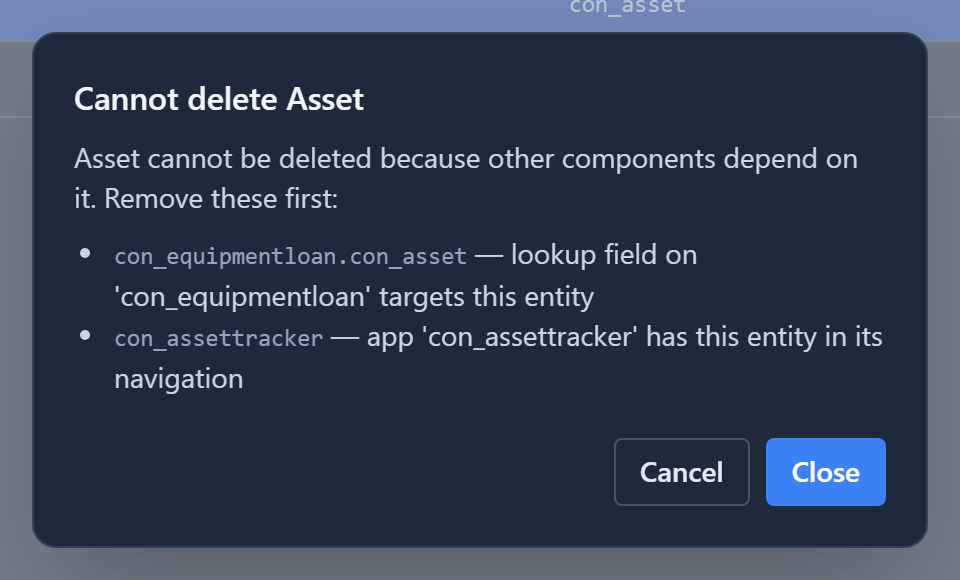
Nothing was deleted. The dialog lists each dependent and why it depends:
- a lookup field on another table that points at this one, because deleting the table would leave that field pointing at nothing;
- an app with the table in its navigation, because the app would have a page with no table behind it.
The list is by logical name, the name every other component uses to refer to it.
Remove what depends on it
Equipment Loan has only one dependent, the app:
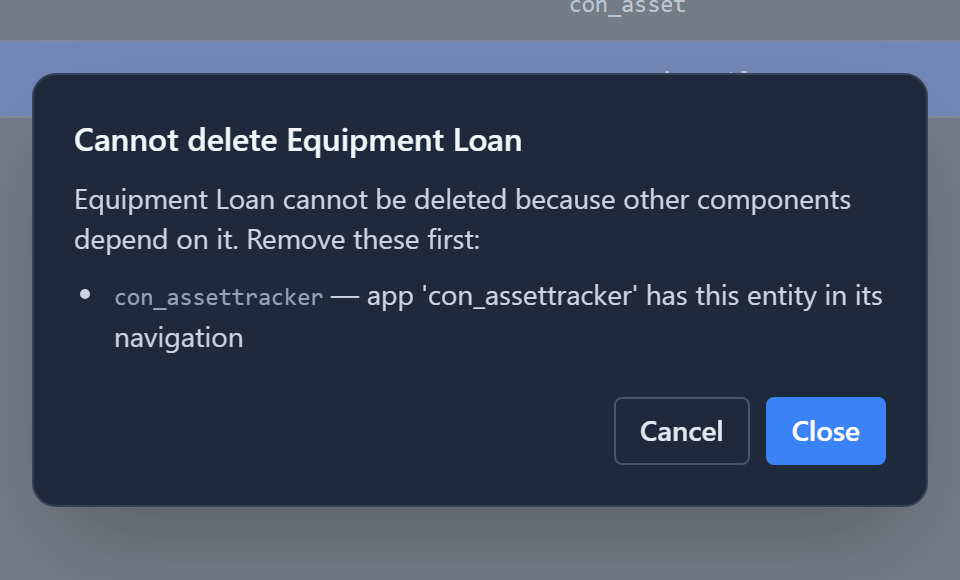
Open Apps, edit Asset Tracker, and press Remove beside Equipment Loan in its navigation group. Save the app, then go back to Tables and try again.
Confirm
With nothing depending on it, the platform asks once more, and says exactly what will go:
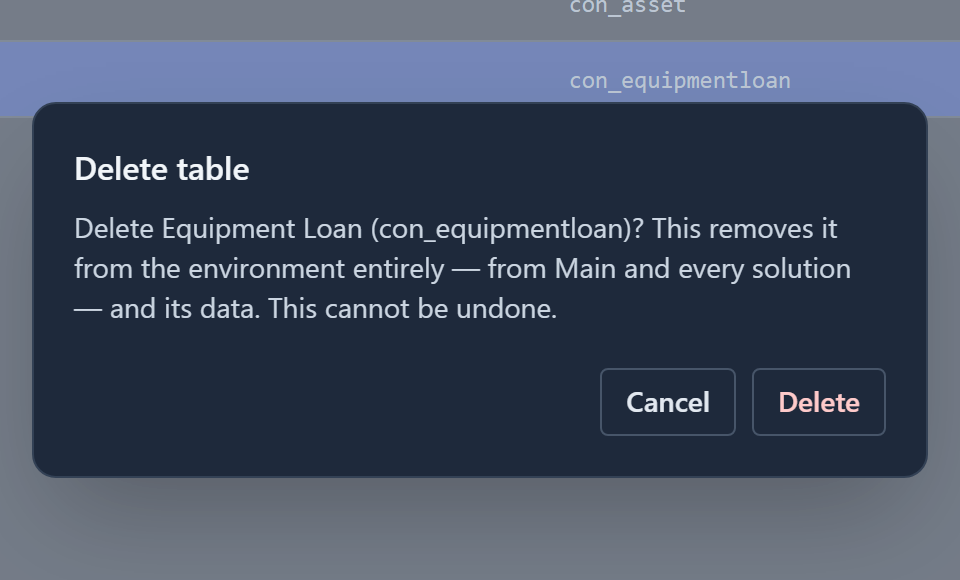
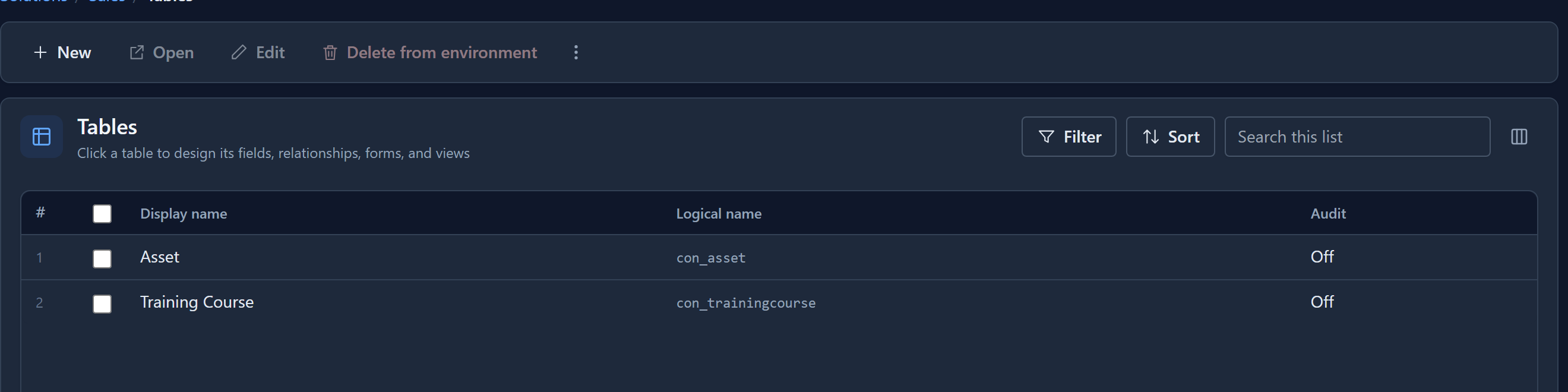
"From Main and every solution" matters: a table created in this environment is removed from the environment, not just from the solution you happen to have open. Its database table is dropped with it. The Tables list no longer has it:
Two things that aren't this
Taking a table out of one solution is a different, harmless action. Inside a solution other than Main, removing a table from the solution's contents only changes what that solution carries; the table and its data stay in the environment.
A table from a managed solution can't be deleted here at all, because it has no definition of its own in this environment. The platform says so. To remove it, uninstall the managed solution that brought it, which is how every environment after development should lose a table: by importing or uninstalling the solution, never by hand.
Next: the end user's side, starting with signing in and opening an app.