Parsware Platform
Notes and labels on a form
A note is fixed text on a form, like a heading, an instruction or a warning, written in Markdown and shown beside the fields it's about. Here is how to add one, what it can contain, and why it can't be used to slip markup into a form.
این مقاله فقط به انگلیسی در دسترس است.
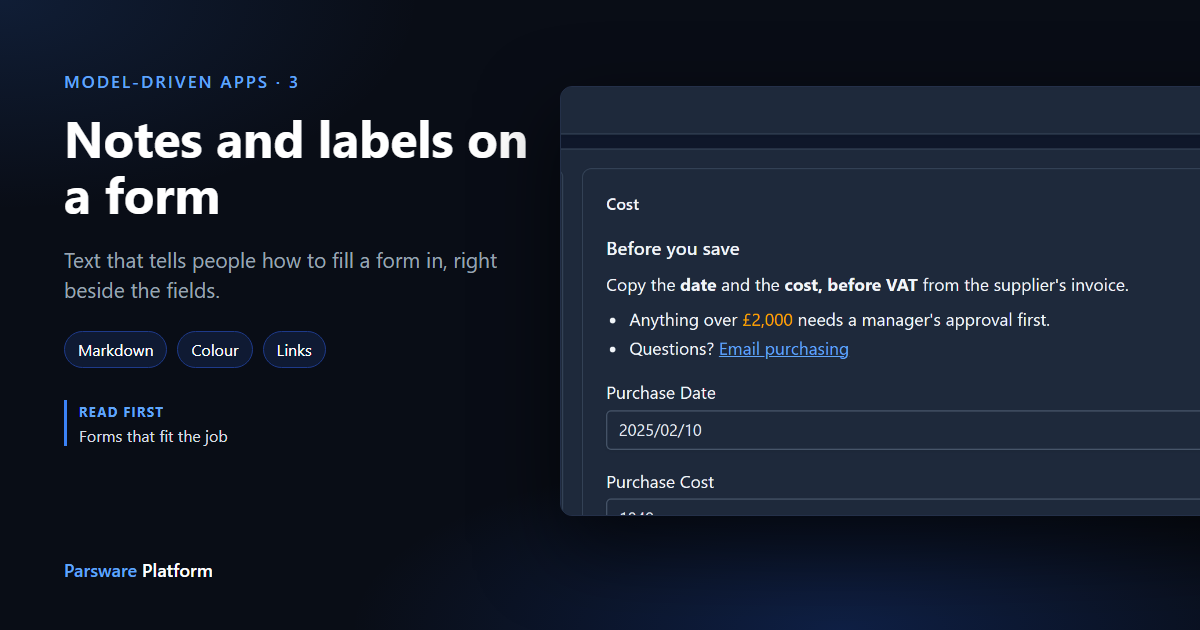
Some forms need a sentence of explanation. Which invoice figure goes in the cost field? Who needs to approve a big purchase? Where do people ask? Help text under one field answers a question about that field. A note answers a question about the form.
We'll add one to the Purchasing form from Forms that fit the job. Every picture is the real product.
Add a note
In the Form Designer, every section ends with Add note. Press it, and a note is placed in the section and selected. Type its text in Text (Markdown) on the right, and the Preview underneath shows exactly what the form will show:
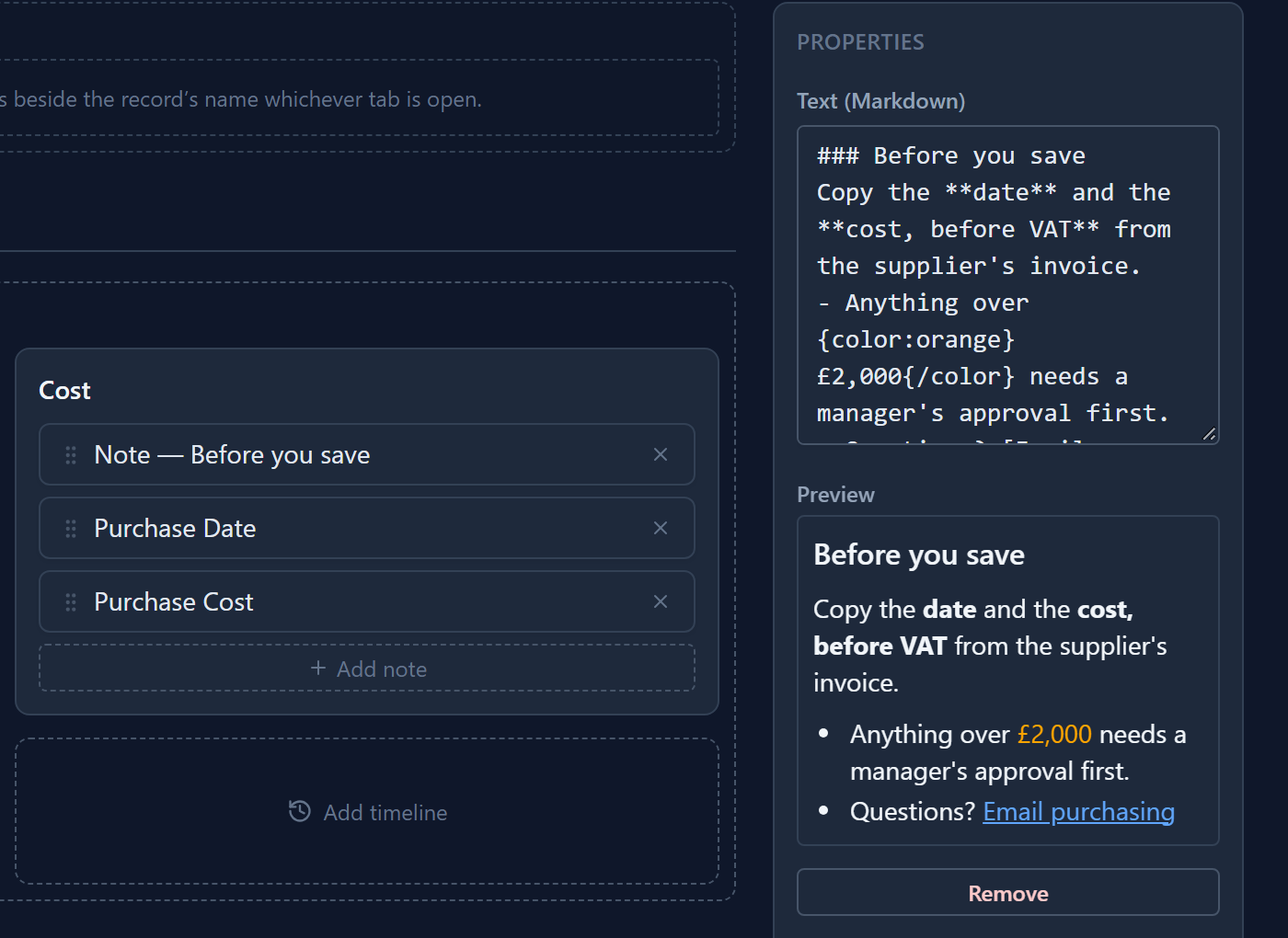
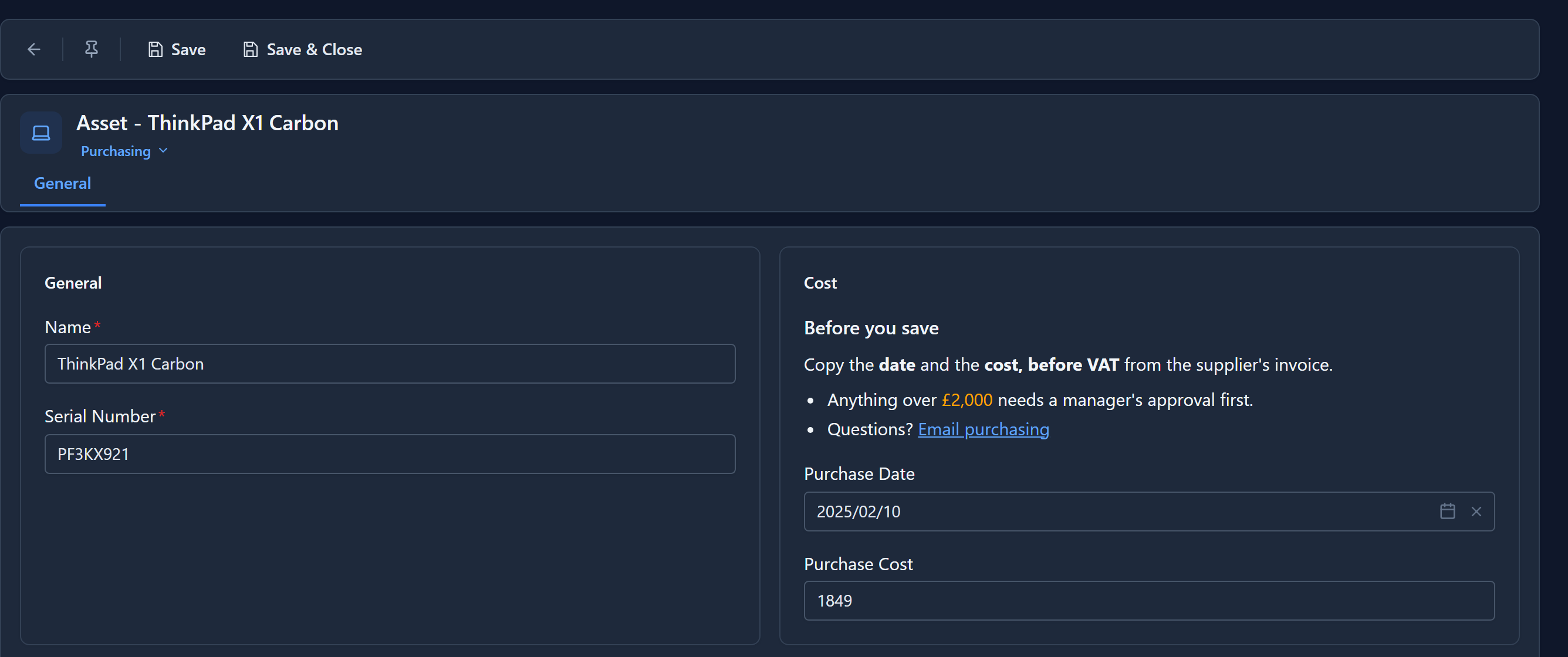
A note is placed like a field, so drag it to where it should be read. This one sits above the fields it's about. Save the form, and there it is on the record:
What a note can contain
The text is Markdown, a small and safe part of it:
| Write | To get |
|---|---|
### Before you save |
a heading: # big, ## medium, ### small |
**cost**, *approx.* |
bold and italic |
- Anything over… |
a bullet list |
[Email purchasing](mailto:purchasing@example.com) |
a link, opened in a new tab |
{color:orange}£2,000{/color} |
coloured text, by name or #hex |
The note above is this:
### Before you save
Copy the **date** and the **cost, before VAT** from the supplier's invoice.
- Anything over {color:orange}£2,000{/color} needs a manager's approval first.
- Questions? [Email purchasing](mailto:purchasing@example.com)
A heading needs a space after the #. A blank line starts a new paragraph.
Safe by design
A note never runs anything. The platform builds the formatting from the text itself and ignores
any HTML or script in it, and only ordinary links (http, https, mailto and links inside the
platform) become clickable. Anything else is shown as plain text. A note can't be used to put
markup or code into somebody's form.
It isn't a field either. It stores nothing on the record and asks nobody for anything. It's part of the form's document, so it moves with the form in its solution.
Next: choosing the control a field uses, such as toggles, pickers, Persian dates and custom controls.