Parsware Platform
Two people, one record
When two people edit the same record and both press Save, the second save is refused instead of silently overwriting the first. Here is what each of them sees, and how to carry on.
این مقاله فقط به انگلیسی در دسترس است.
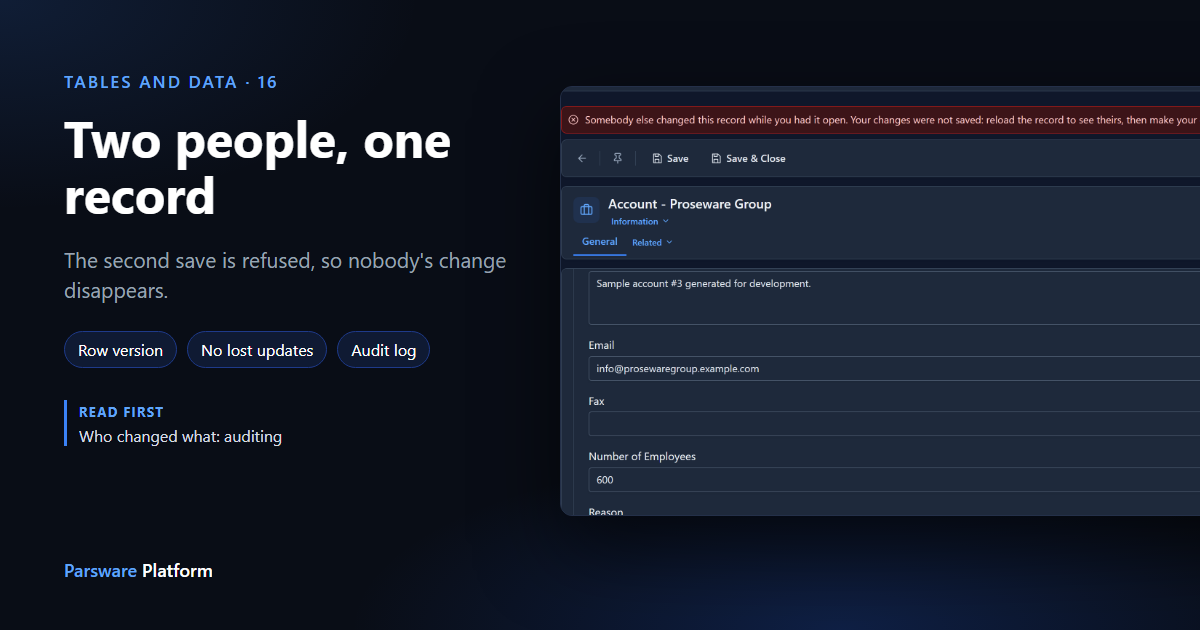
Sam and Robin work on the same accounts. Both open Proseware Group in the morning. Sam updates the main phone number and saves. A few minutes later Robin, still looking at the version they opened, changes the number of employees and saves too.
In many systems the second save simply wins. Robin's form still held the old phone number, so it writes it back, and Sam's change is gone without anyone noticing. Parsware refuses the second save instead.
We'll go through it with the Field Sales app from the platform's sample solutions, signed in as two different people. Every picture is the real product.
The first save goes through
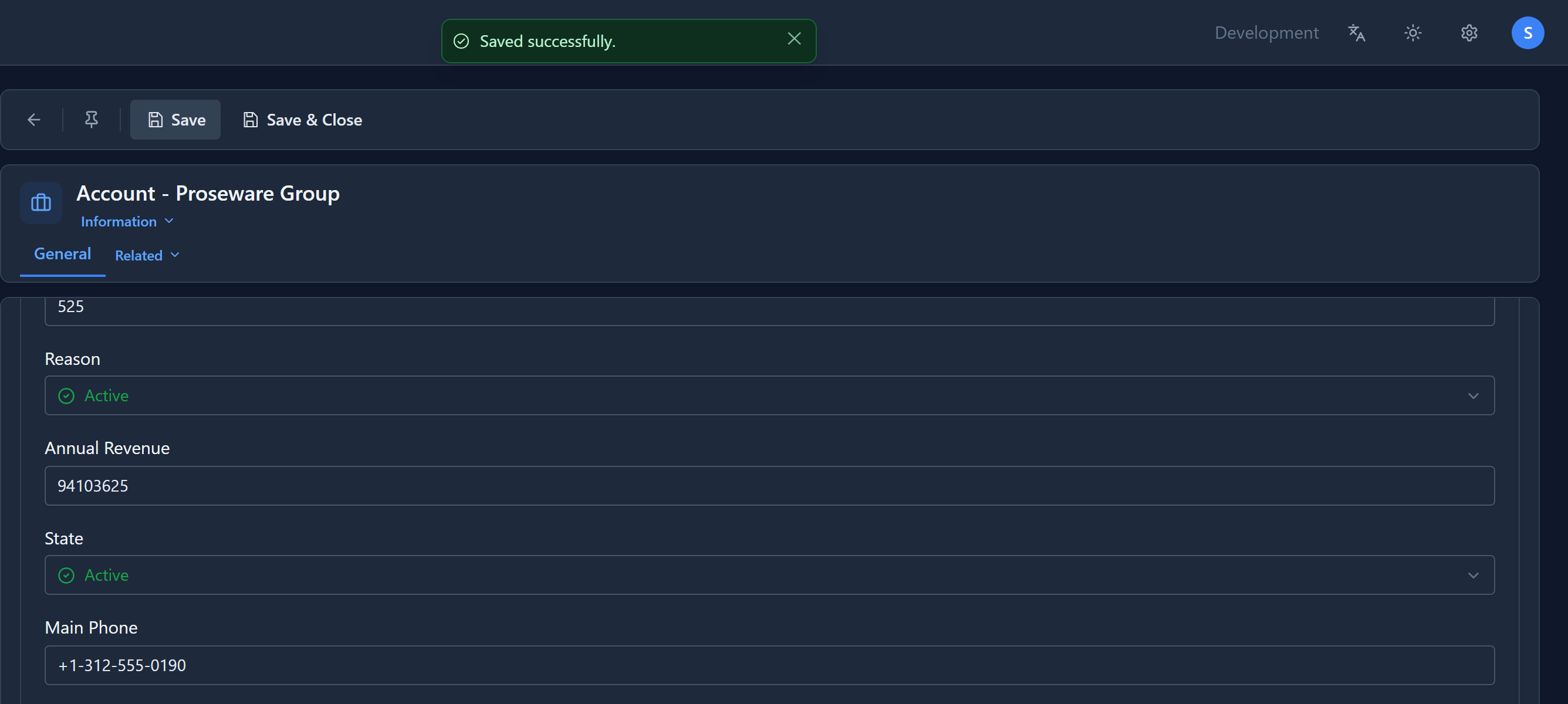
Sam changes Main Phone and presses Save:
The second save is refused
Robin's form was opened before Sam saved. When Robin changes Number of Employees and presses Save, the save is refused:
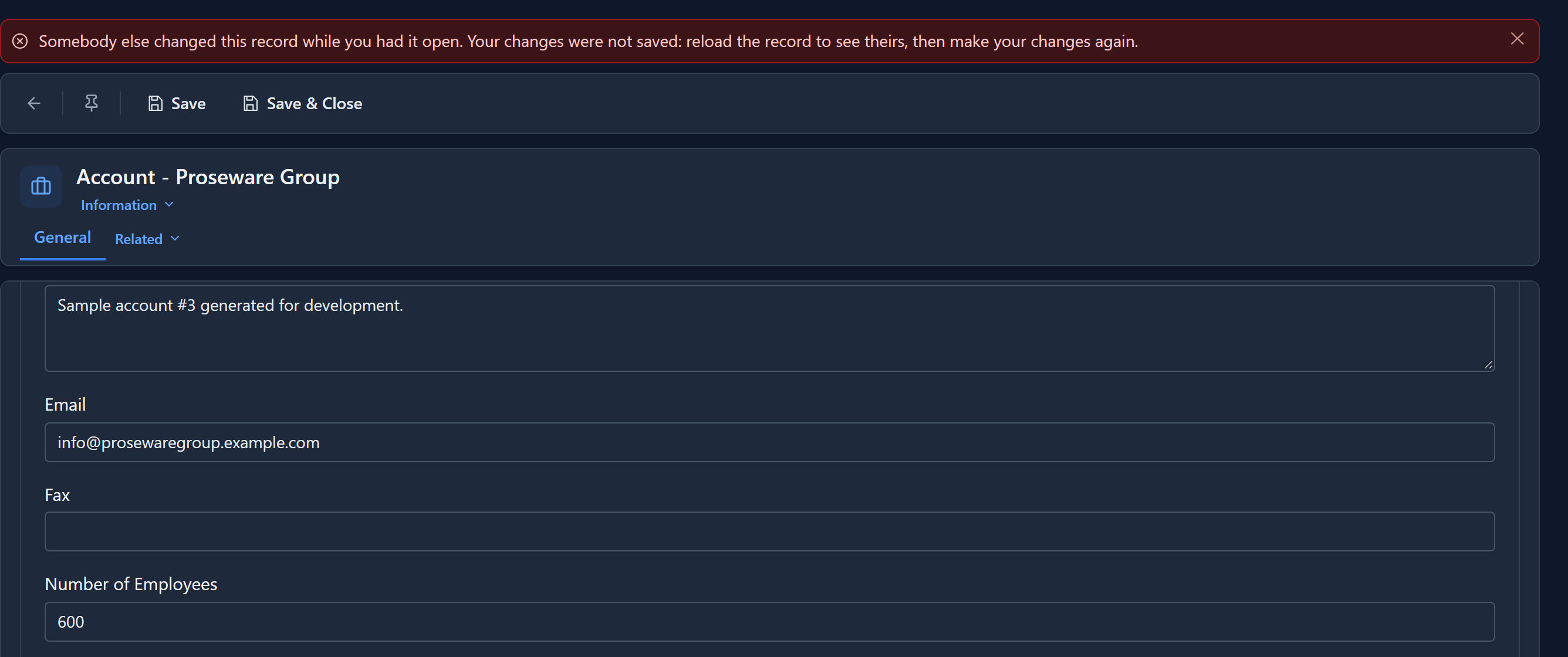
Nothing of Robin's has been written, so nothing of Sam's has been overwritten. Robin's edits are still on the screen, so they can see what they meant to change.
Reopen, and make the change again
Robin opens the record again. Sam's new phone number is there:
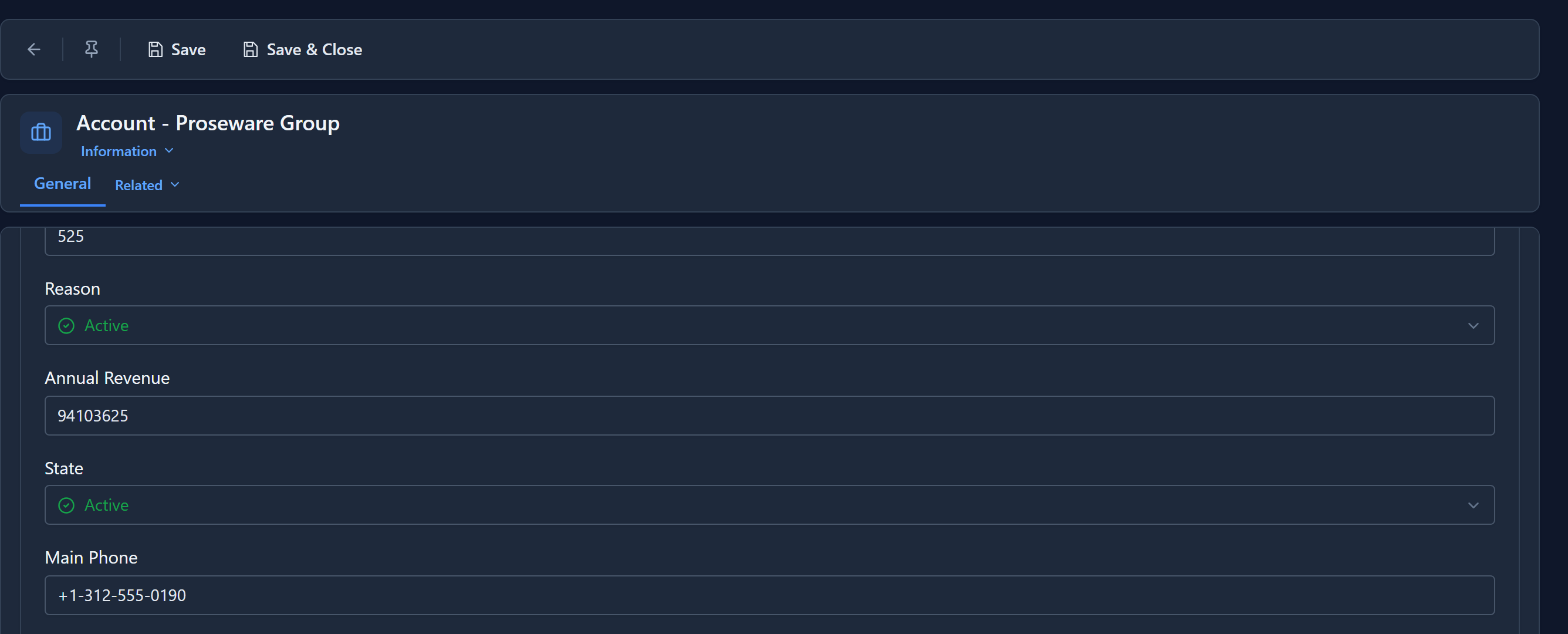
Robin enters the employee count again and saves, and this time it goes through, because the form is now based on the latest version. Both changes are kept, and with auditing on, the log shows each under the name of the person who made it.
How it works
Every record has a version number, which goes up by one each time the record is saved. A form remembers the version it opened. When you save, it sends that version back, and the database only accepts the save if the record is still at that version. If someone saved in between, the versions don't match, the save changes nothing, and you get the message above.
The check and the write are one database statement, so two saves that arrive at exactly the same moment can't both slip through. Saving the same form several times in a row is fine: after each save the form holds the new version.
You don't set anything up for this. It is on for every table. An integration writing through the
API can take part the same way, by sending back the row_version it read with its update.
Next: the model-driven apps series, starting with an app and the people it's shared with.