Parsware Platform
Files and pictures on a record
A File field holds a document and an Image field holds a picture, each belonging to one record. Add one to a table, attach a file on the form, and see what Save, the size cap and the record's permissions do with it.
این مقاله فقط به انگلیسی در دسترس است.
A contract has a signed PDF. A contact has a photo. A product has a picture. When a file belongs to one record, put it in a field on that record: a File field for a document, an Image field for a picture.
To follow along, import the Contracts — Files of Any Size sample. It comes with the platform's sample solutions and has a Contract table with one field of each kind. Every picture here is the real product.
Add the field
On the table's Fields, choose New, give the field a name, and set Data type to File or Image:
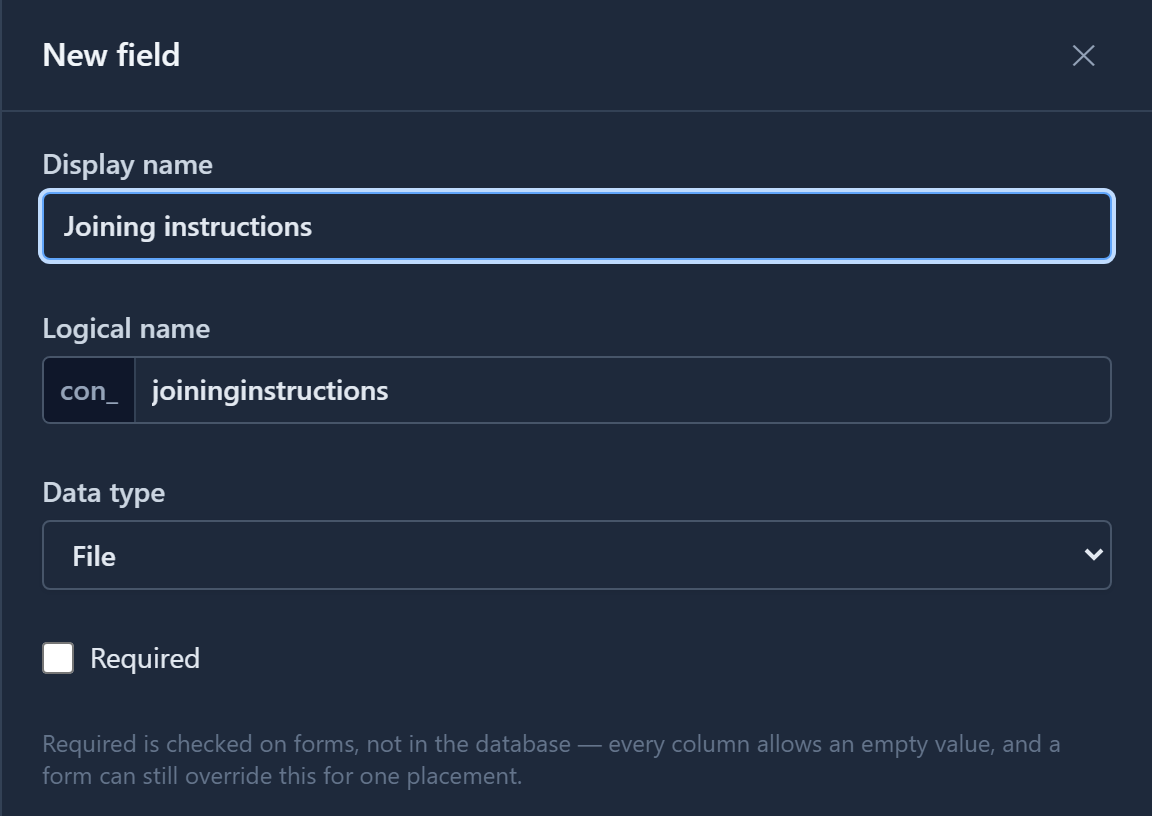
The two differ in what they accept. An Image field accepts only pictures, and the form shows it as a preview. A File field accepts any kind of file and shows its name and size.
Then place the field on the form in the form designer, like any other field.
Attach a file
On the form, an empty field says No file or No picture. Choose Choose a file (or Choose a picture) and pick one from your computer:
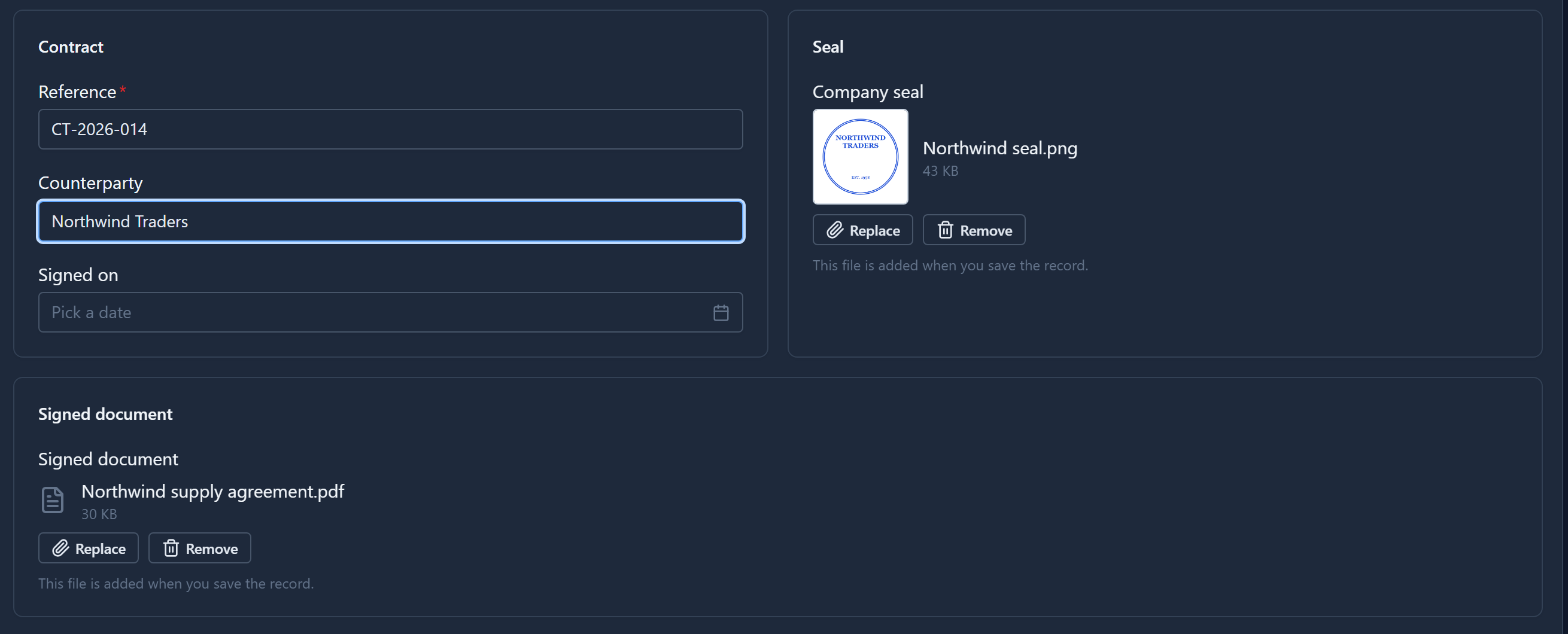
The file waits for Save. Until then the field says This file is added when you save the record. Close the form without saving and the record keeps whatever it had before, so a picture you swapped by mistake hasn't replaced anything.
Save, and both fields gain Download:
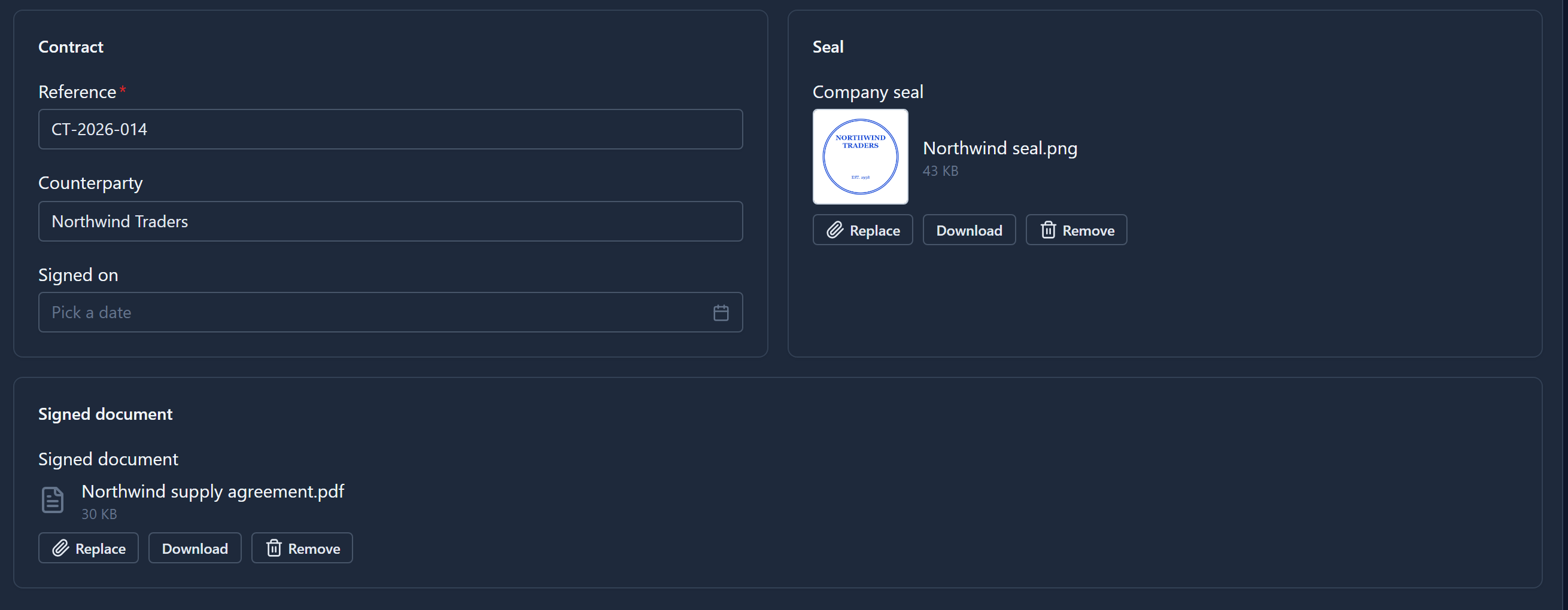
- Download gives you the file that's stored, not one you've picked and not yet saved.
- Replace picks another file. The old one is discarded when you save.
- Remove empties the field. The stored file is deleted when you save.
A picture is shrunk in your browser before it's sent, to at most 1024 pixels on its longest side. A photo straight from a phone becomes a sensibly sized picture without anyone resizing it first. The original on your computer isn't touched.
Who can see it
A record's files are served only to people who can read that record. There's no public link to share by mistake. Anyone who can change the record can change its file.
Deleting the record deletes its files with it.
The size cap
A File field takes up to 4 MB and an Image field up to 1 MB. The cap keeps each environment's database a place for records rather than a file store.
What happens past the cap depends on how Parsware is installed:
- With large-file storage switched on, a bigger file is simply stored somewhere else, and nothing about the field changes. The next article shows it.
- Without it, the file is refused with a message saying how big it is and what the field accepts.
A picture rarely gets near its cap, because the browser has already shrunk it.
One file per field
Each field holds one file, and attaching another replaces it. If a record needs many files, such as every invoice for a customer, make a separate table for them with a lookup back to the customer. Each row then holds one invoice.
Two more things worth knowing:
- Files stay in their environment. They're data, like the records they belong to, so they don't travel when you export the solution. The fields do.
- A spreadsheet can't fill them. When you import records from a CSV file, File and Image fields aren't offered for mapping.
Next: large files, and where a 9 MB scanned contract actually goes.