Parsware Platform
Filters with And and Or
Build a filter from conditions in groups, each group either And or Or, and put one group inside another. Use it once while you browse a list, or save it on a view so everyone who opens the view gets it.
Dieser Artikel ist nur auf Englisch verfügbar.
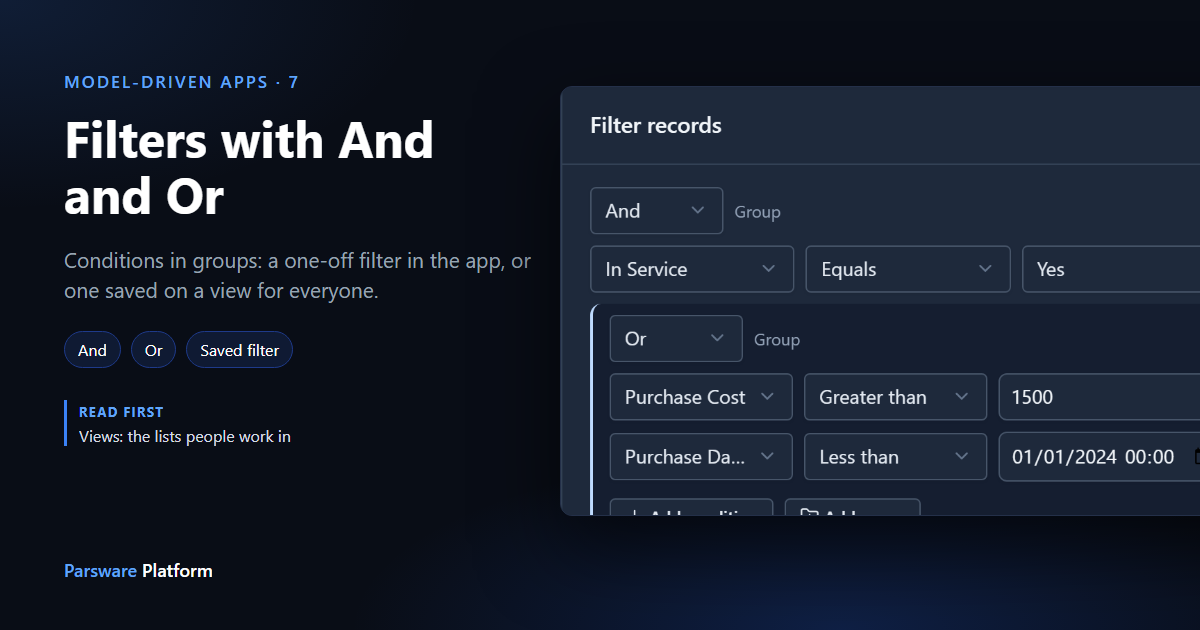
"Show me the assets still in service that cost a lot or are old." That sentence has an and and an or in it, and the or only applies to the second half. A filter in Parsware is built the same way: conditions go in groups, each group is either And or Or, and a group can sit inside another group.
We use the Assets table from Views: the lists people work in. Every picture is the real product.
A one-off filter in the app
Open the list and select Filter above it. The panel opens with an empty And group.
- Select Add condition. Pick In Service, Equals, Yes.
- Select Add group. A second group appears inside the first. Set it to Or.
- Inside that group, add two conditions: Purchase Cost Greater than 1500, and Purchase Date Less than 1 January 2024.
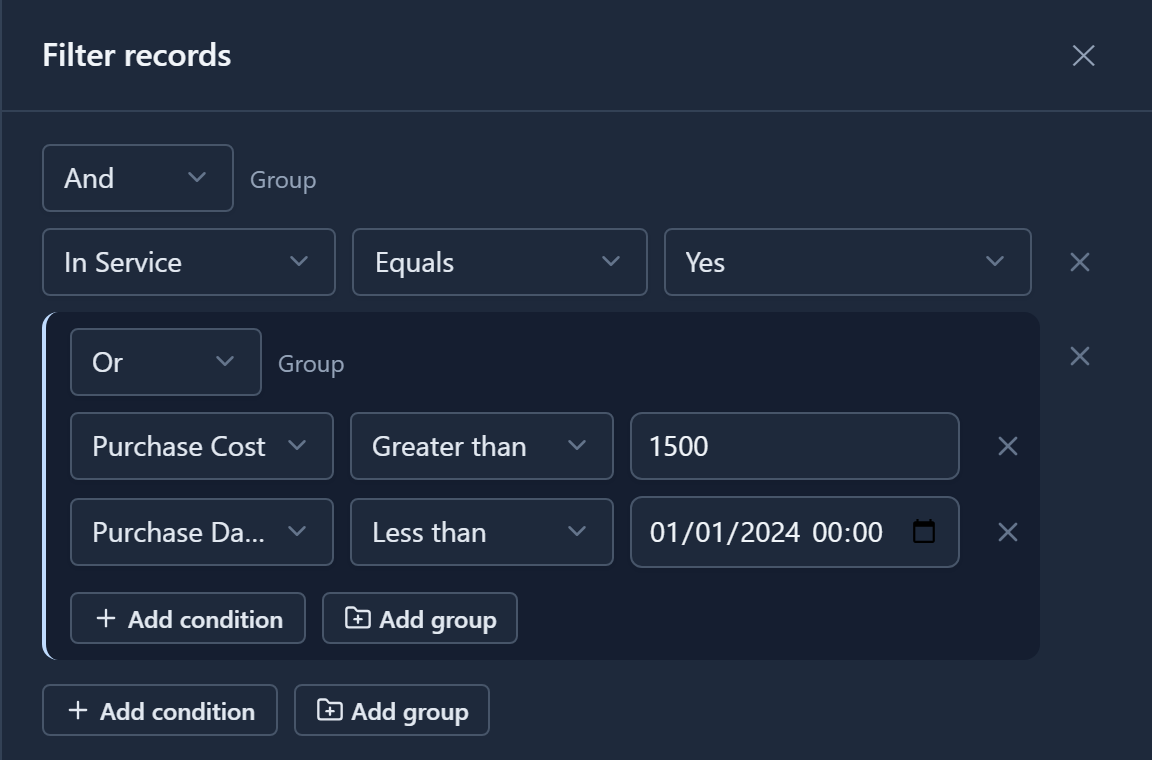
Read it from the outside in: in service, and (expensive or old). An And group needs every condition in it to match. An Or group needs at least one.
Select Apply. The list shows the three assets that match, and a dot on Filter tells you a filter is on:

The Surface Laptop and the HP printer are old enough to match the Or group, but they're out of service, so the And leaves them out.
This filter is yours alone: it isn't saved to the view, and nobody else sees it. Clear in the panel removes it.
Which comparisons you get
The comparisons depend on the field:
- Text: Contains, Equals, Does not equal, Is one of, Is empty, Is not empty.
- Numbers and dates: Equals, Does not equal, Greater than, Is at least, Less than, Is at most, Is empty, Is not empty. Numbers also get Is one of.
- Yes/no: Equals, Is empty, Is not empty.
- Choices: Equals, Does not equal, Is one of, and the two empty ones. The value is picked from the choice's own list.
Is one of takes several values at once, so "status is New or Active" is one condition, not a group of two.
Save it on a view
When the same question comes up every week, save it. Open the view in the View Designer, or create a new one: we made one called Due for Review. Select Filter at the top of the designer and build the same groups:
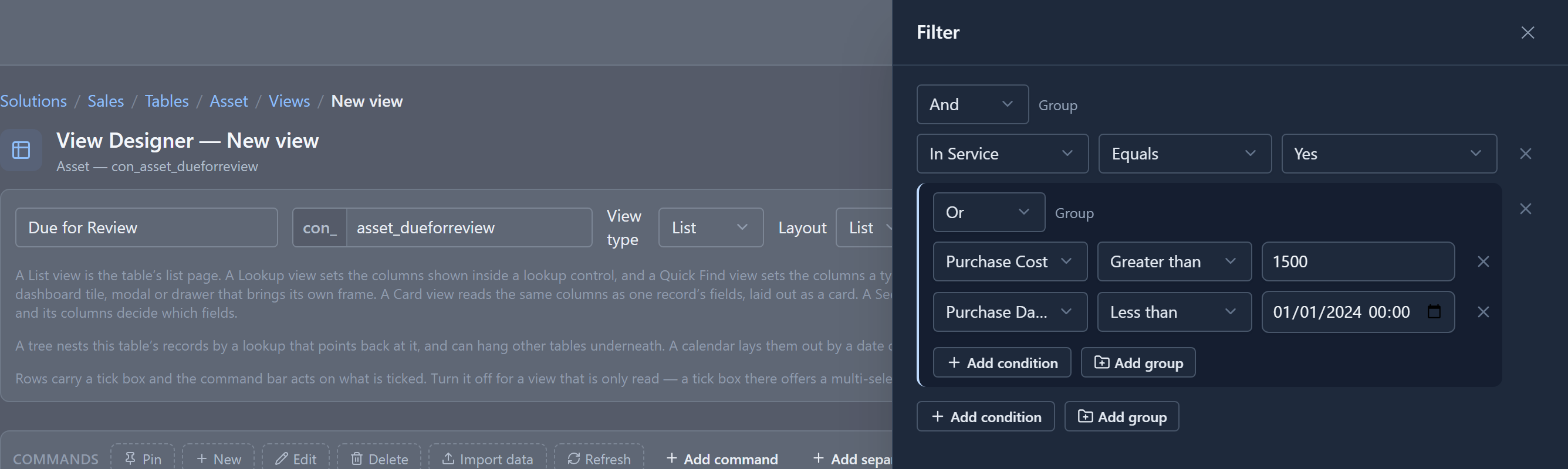
Select Apply, then Save. The filter is now part of the view. Everyone who opens Due for Review sees only those assets, and it moves with your solution like the view's columns.

Both at once
A saved filter isn't shown in the Filter panel. The panel opens empty, and anything you add there narrows the view further: the two are combined with And.
On Due for Review, add Purchase Cost Greater than 2000:

So a maker decides what a view is about, and each person can narrow it for the task in front of them without changing it for anyone else.
Two small things
- An And group that should have been Or is the usual reason a filter matches nothing.
- Filtering happens on the server, so only the matching records are sent, and paging works as normal.
While writing this we found that a date condition inside a group showed only its time, because the date box was squeezed. The columns of a condition now share the panel's width, so the whole date fits.
Filters on relative dates, such as "in the last 30 days", aren't built yet. When they are, they'll get their own article.
Next: lookup views and quick find.