For Power Apps
Open another design
One line in a button's Pressed opens a different published design over the form, a report in Power Apps' own dialog or a Studio app in its side pane, with the record you're on passed along. Here is openDesign, and how it differs from navigate and showModal.
Dit artikel is alleen in het Engels beschikbaar.
The cards in the last article are part of the screen
that opens them. Sometimes the thing you want over the form is a whole other design: the
expense claims report, or a small app of its own. You don't copy it onto the screen. You open it,
by name, with openDesign.
We'll use the same Expense actions screen from the samples solution. Its last two buttons are Claims report and Requests (side).
A report in a dialog
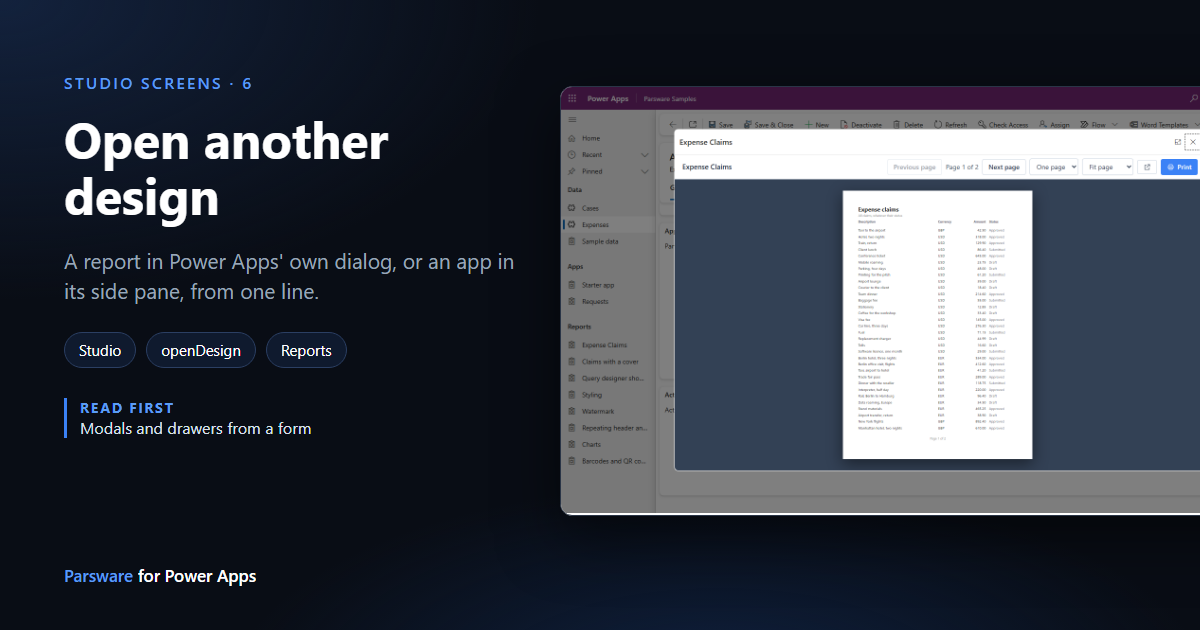
Press Claims report. The Expense Claims report opens in Power Apps' own dialog, over the form, with its paging and its Print button:
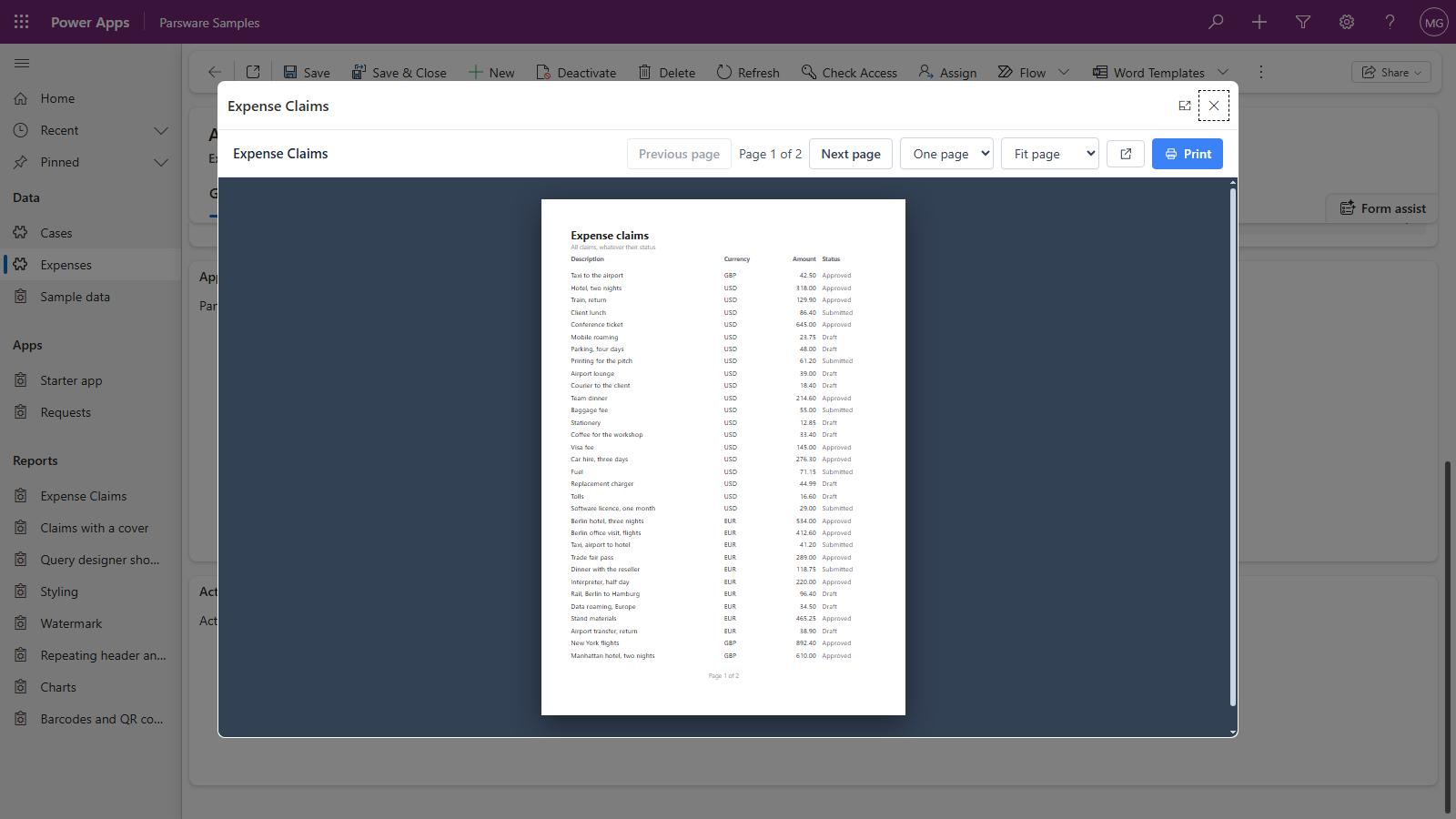
The button's Pressed is one line:
openDesign("Expense Claims");
The dialog is Power Apps' own: its cross closes it, and the expander beside the cross makes it full screen.
An app in the side pane
Press Requests (side). The Requests app, a two-screen Studio app from the samples, opens in a pane down the side of the window, and the form stays where it was:
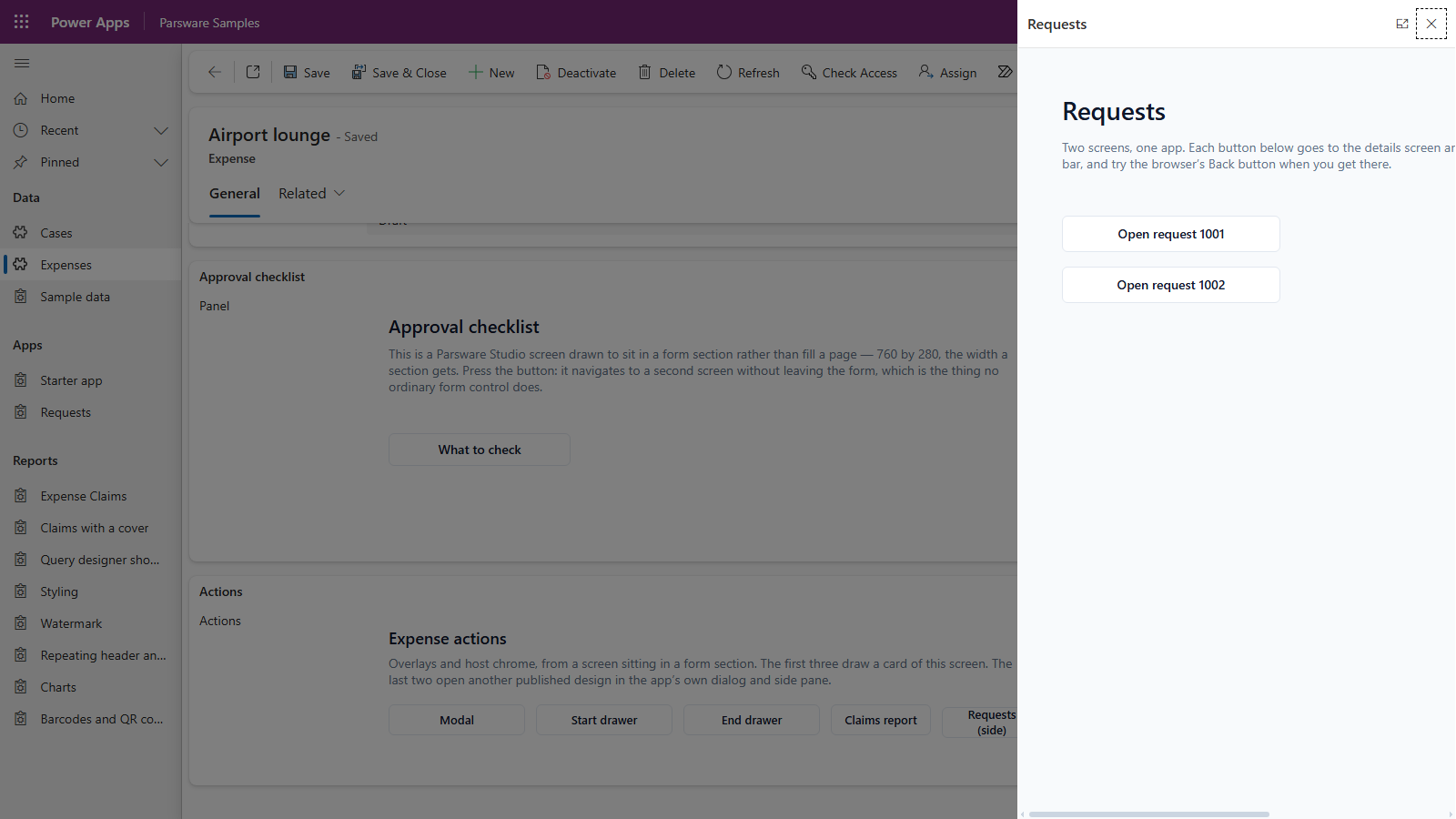
A second word, after the name, says where:
openDesign("Requests", "side");
| Second word | Opens it |
|---|---|
(none) or "dialog" |
centred, about two thirds of the window |
"side" |
in a pane down the side, the full height of the window |
Anything else is refused with a message naming the two words, rather than opened somewhere you didn't ask for.
The record goes with it
The page that opens has no form of its own, so on a form openDesign passes along the record the
screen is sitting on. A report that is narrowed to a record, like the one in
A report on a form, shows that record's data in the dialog too.
Which one to use
Three calls can put something in front of the reader. Which one you want depends on whose drawing it is:
| You want | Use | Example |
|---|---|---|
| another screen of this design, in its place | navigate("Escalate") |
A drawn screen on a form |
| a card drawn on this design, over the page | showModal("Approval rules") |
Modals and drawers from a form |
| a different published design, over the page | openDesign("Expense Claims") |
this article |
Good to know
- By name, not by id. A design keeps its name when its solution is imported into the next environment and gets a new id there, so a name works in Dev, Test and Production alike.
- Only published designs open. It's the same page the app's navigation uses, so a reader sees what was published, never your draft.
- Draw for the space. A side pane is about a third of the window wide. The Requests screen was drawn for a full page, so in the pane its right-hand edge is cut off and the pane scrolls sideways. A screen meant for the side pane should be drawn narrow.
- It doesn't wait for the dialog to close. The handler carries on straight away. If the design
you opened changes records, it can call
reloadSurfaces()before it closes to refresh what's behind it. - Only inside a model-driven app. In the designer's preview there's no Power Apps dialog to
open, so
openDesignsays so instead of doing nothing.
Next
Scripts on a screen: writing BS in the designer, with completion for your Dataverse tables and columns. The whole series is in the reading list.