Parsware Platform
The BS editor: errors as you type
The BS editor checks a script while you write it. A mistake is underlined within half a second, hovering says what is wrong, and a problems list under the script counts every error, jumps to each one and copies them all as text. Here is what it catches, and what it can't.
Dit artikel is alleen in het Engels beschikbaar.
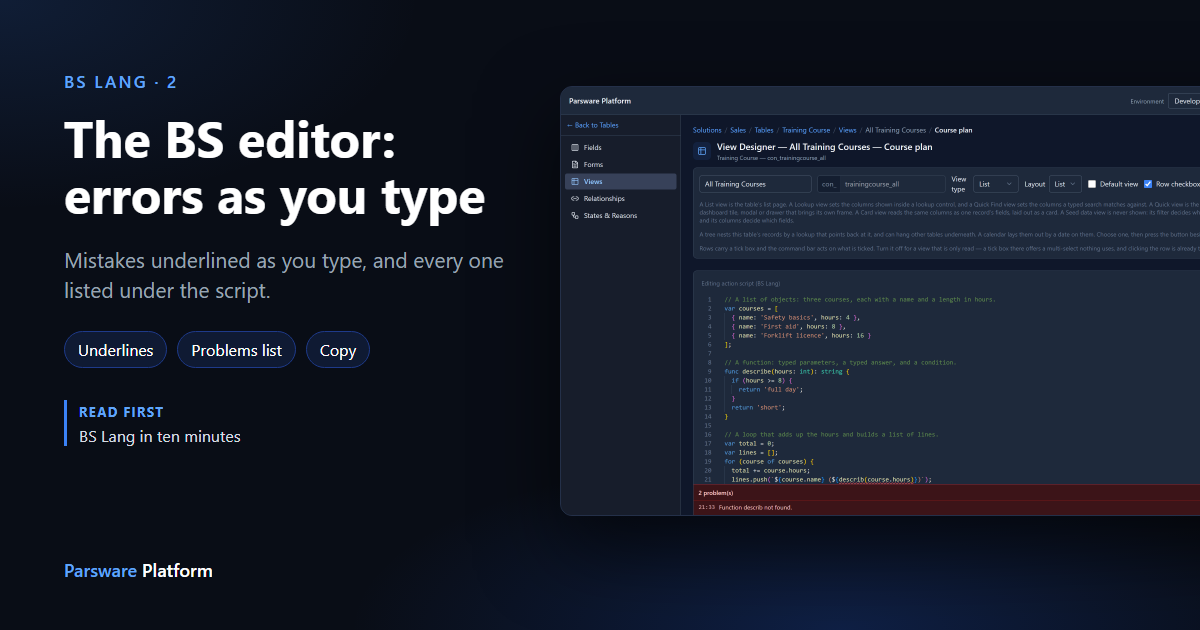
Every script in Parsware is written in the same editor, the BS editor: a form rule, a command button, a plugin step, a Custom API, a step in a process, a binding on a Studio screen. It checks the script while you type, so most errors show up as soon as you've written them.
This article covers the errors part: the red underline, the message behind it, and the problems list under the script. We used the Course plan button from BS Lang in ten minutes, and broke its script on purpose.
Two mistakes, found before saving
We made two changes to the script. On line 21 the call to describe lost its last letter. On
line 24 we built the message with + instead of a template, which BS Lang refuses (see
BS Lang in ten minutes):
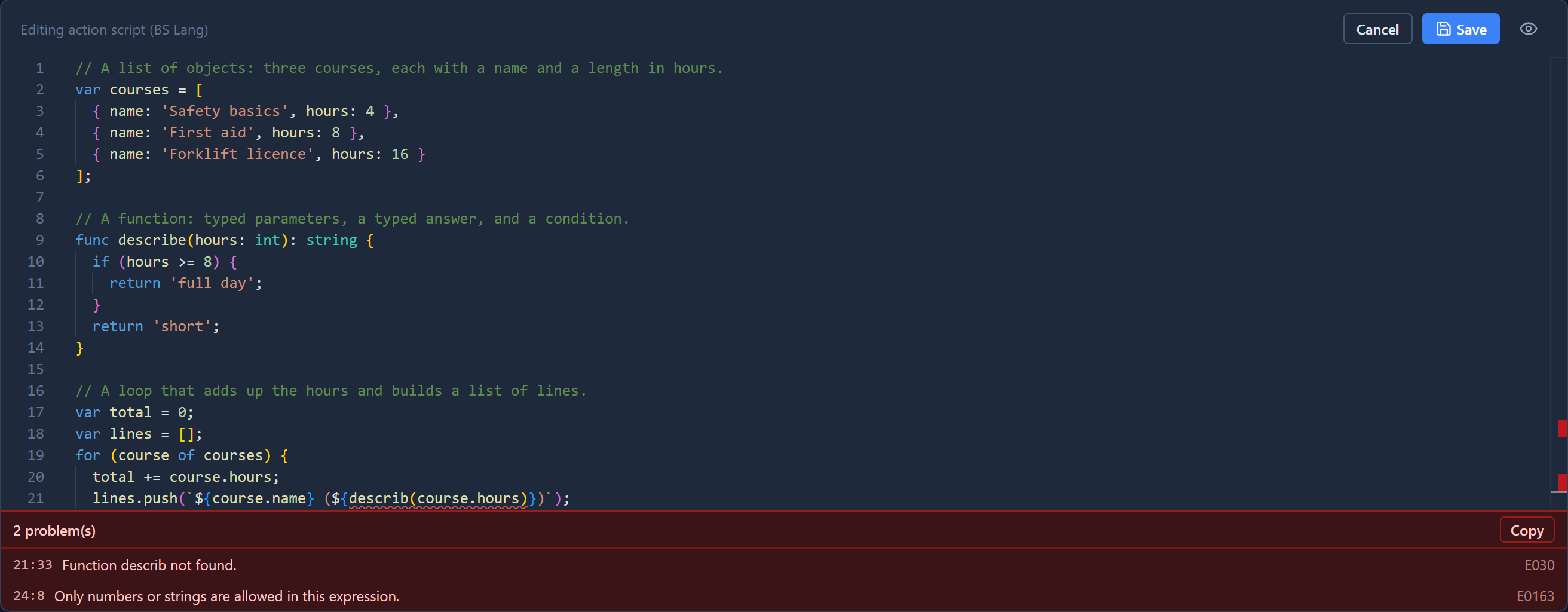
About half a second after you stop typing, the editor checks the whole script. It doesn't check on every key, because then every half-typed name would be underlined as unknown and you'd soon learn to ignore the red.
Each mistake gets a red underline, and a red mark in the strip on the right edge, so you can see where the errors are in a long script without scrolling.
Hover to read the message
Point at an underline and the editor says what is wrong:
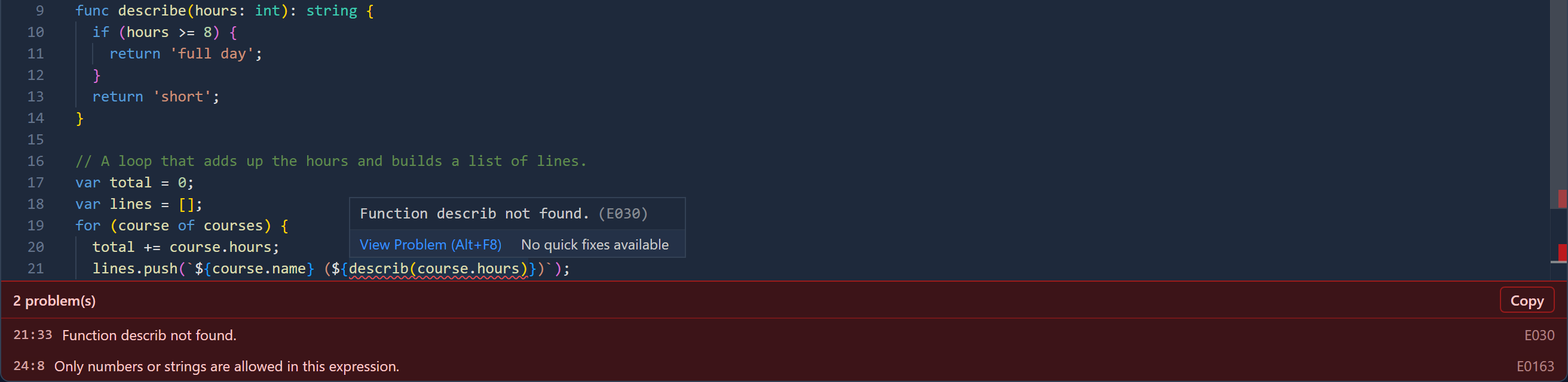
The code in brackets, E030, is the language's own number for this error. It stays the same when the wording changes, so it's the thing to search for. Alt+F8 moves to the next problem without the mouse.
The problems list
A hover only helps if you already suspect a line. The problems list under the script doesn't wait to be asked. It says how many errors there are and, for each one:
- where it is, as line and column (
21:33is line 21, column 33); - what is wrong, in the same words as the hover;
- its code, on the right.
Click a problem to go to it. The caret lands on that line and column, and the editor scrolls to it:
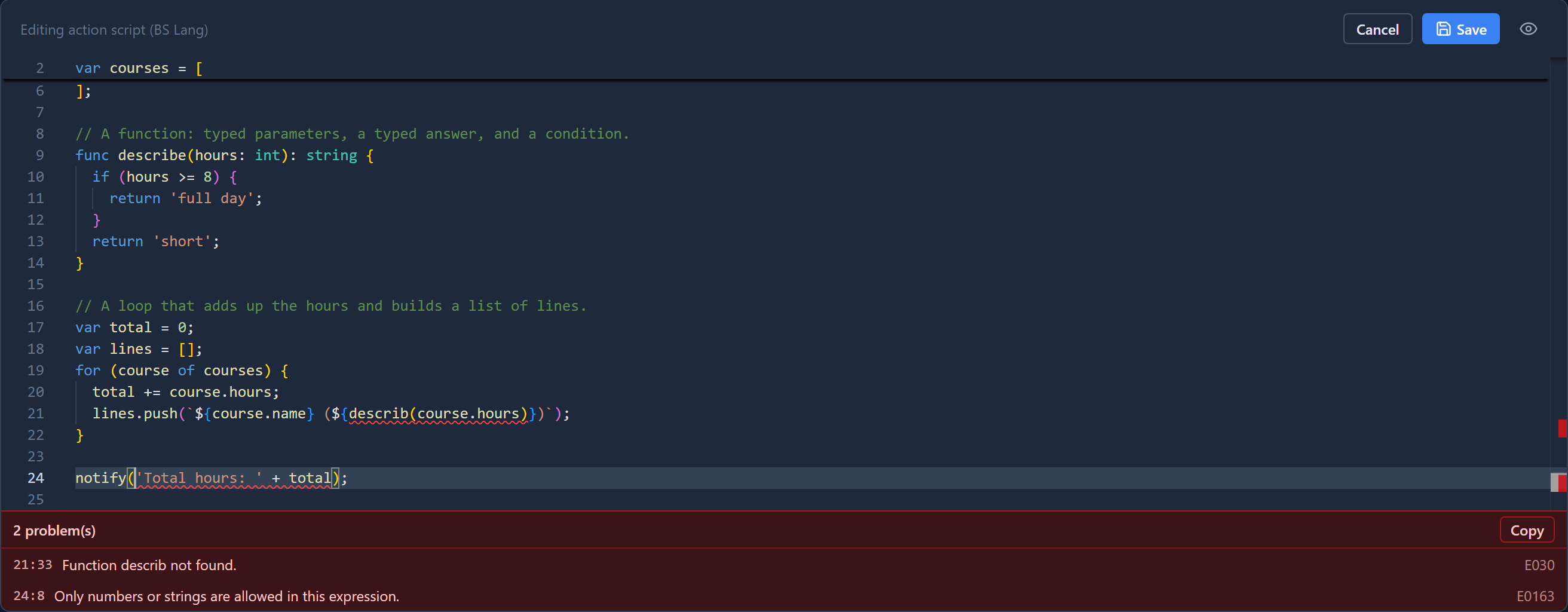
Copy puts the whole list on the clipboard as plain text, one problem per line, with its line, column and code:
21:33  Function describ not found.  [E030]
24:8  Only numbers or strings are allowed in this expression.  [E0163]
That's the form to paste into a message to a colleague or a support request: nobody has to retype it from a screenshot, and the code stays searchable.
When the last error is fixed, the list disappears. There's no "0 problems" bar. If you see no list, the script passed.
Two kinds of error
The editor finds two kinds of mistake, and they read differently.
Syntax errors mean the script can't be read at all: a bracket missing, a semicolon in the wrong place. Their messages come from the parser and say what it expected:
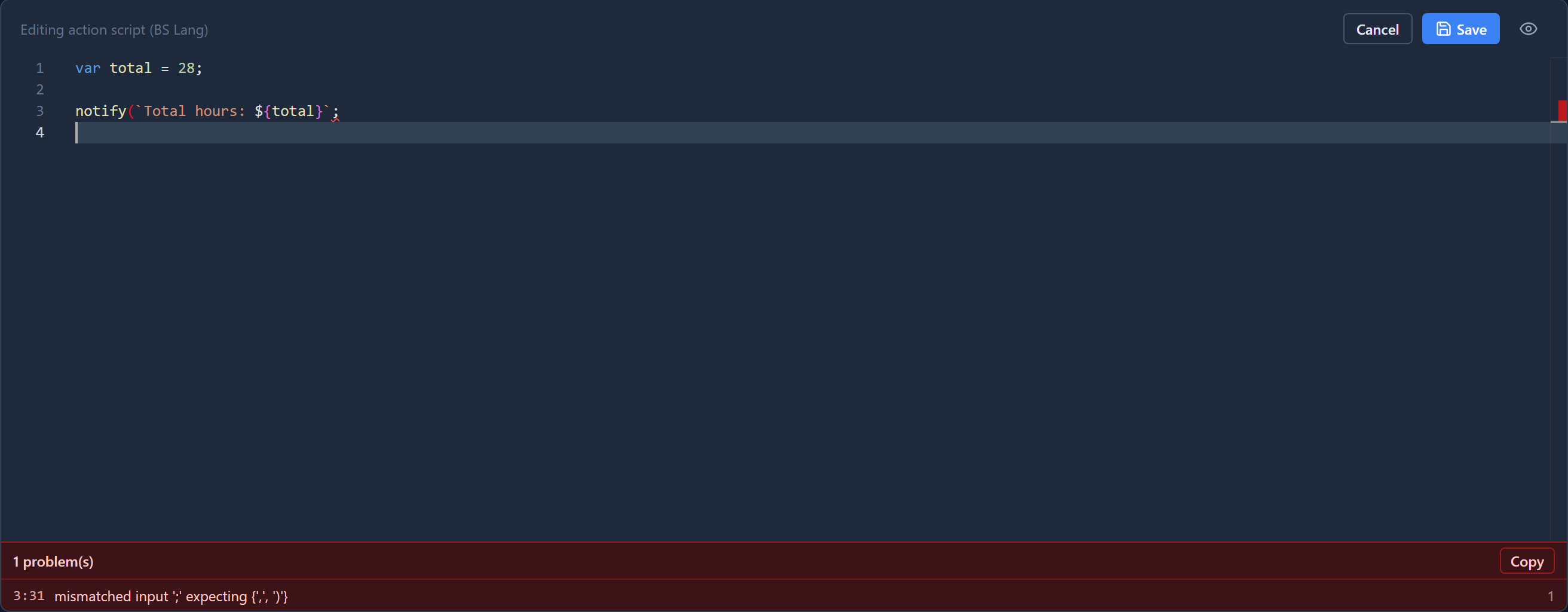
"mismatched input ';' expecting {',', ')'}" means: I found a ;, and I wanted a comma or a
closing bracket. The call to notify was never closed. One missing bracket can produce several
syntax errors further down, because the parser loses its place. Fix the first one, and the rest
usually go with it.
Meaning errors are found once the script can be read: a function that doesn't exist, text
added to a number with +, a call with the wrong number of arguments. They carry an E code, like
the two above.
The check knows where the script runs
Different scripts can call different functions. A form rule can call setVisible, because it has
a form in front of it. A plugin step can't, because it runs on the server with no form. The editor
checks each script against the functions its host offers. So setVisible is fine in a form
rule, but in a plugin step it's reported as Function setVisible not found, before you save,
rather than when it runs.
The same goes for a script that imports a solution script: the check reads the imported script, so a call to one of its functions is accepted, and a misspelt one is not.
What the list doesn't do
- It doesn't stop you saving. A script with problems can still be saved. The list is there so you know before you do; read it before pressing Save.
- It can't know your data. A misspelt field name inside quotes,
getValue('par_amont'), is valid text, so it isn't underlined. It fails when the script runs. The completion article shows where the editor can help with names. - One-line fields have no list. A binding on a Studio screen is one line in a narrow panel, with no room for a list. The underline and its hover carry the message there.
A gap we found and fixed
Writing this article, the misspelt describ at first wasn't reported. Only the + on line 24
was. The cause was in the checker: when it read the describe function, the function's return
stayed switched on after the function ended. Every block after that, like the for loop, was
then checked only as far as its first line. So a mistake on the second line of the loop was
missed.
It's fixed. The checker now reads each function's return only inside that function, and a test
with this exact script makes sure it stays fixed. If a script you wrote earlier suddenly shows a
problem it didn't show before, this is why: the problem was always there.
Try it
Open any script in a development environment and misspell a function name. Wait half a second, hover the underline, then click the problem in the list. Fix it and watch the list go.
Next: the BS editor's completion, which offers names as you type.