Parsware Platform
Shared logic: solution scripts
When a plugin step and a Custom API need the same rule, write it once as a solution script and import it into both. We used the Shared Server Logic sample, where an approval limit decides both whether an order saves and what an API tells a partner, then changed the limit in one line and watched both follow. Here is how import and export work, and which scripts can import.
Este artículo solo está disponible en inglés.
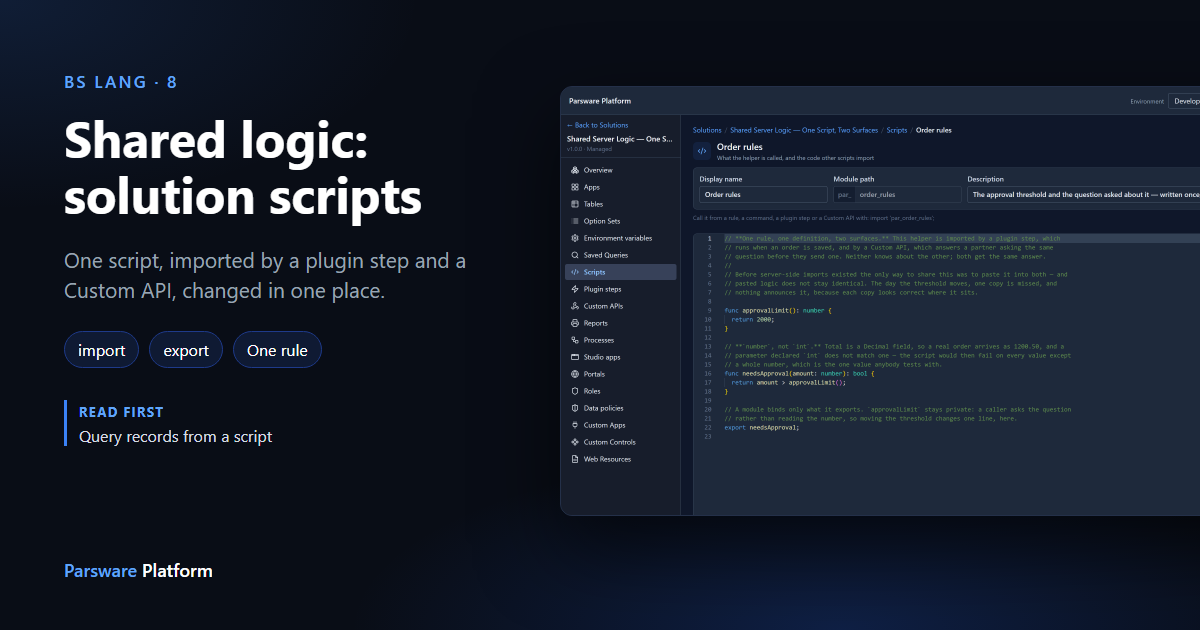
Sooner or later, two scripts need the same rule. A plugin step refuses an order over a limit, and a Custom API tells a partner system whether an order will need approval. Both have to use the same limit. If you paste the number into each, they agree on the day you write them, and stop agreeing the first time somebody changes one and forgets the other.
A solution script fixes that. It holds the rule once, and the step and the API each import
it. We used the Shared Server Logic sample; import it from
samples/solutions/business-rules-shared-server-logic to follow along.
The script
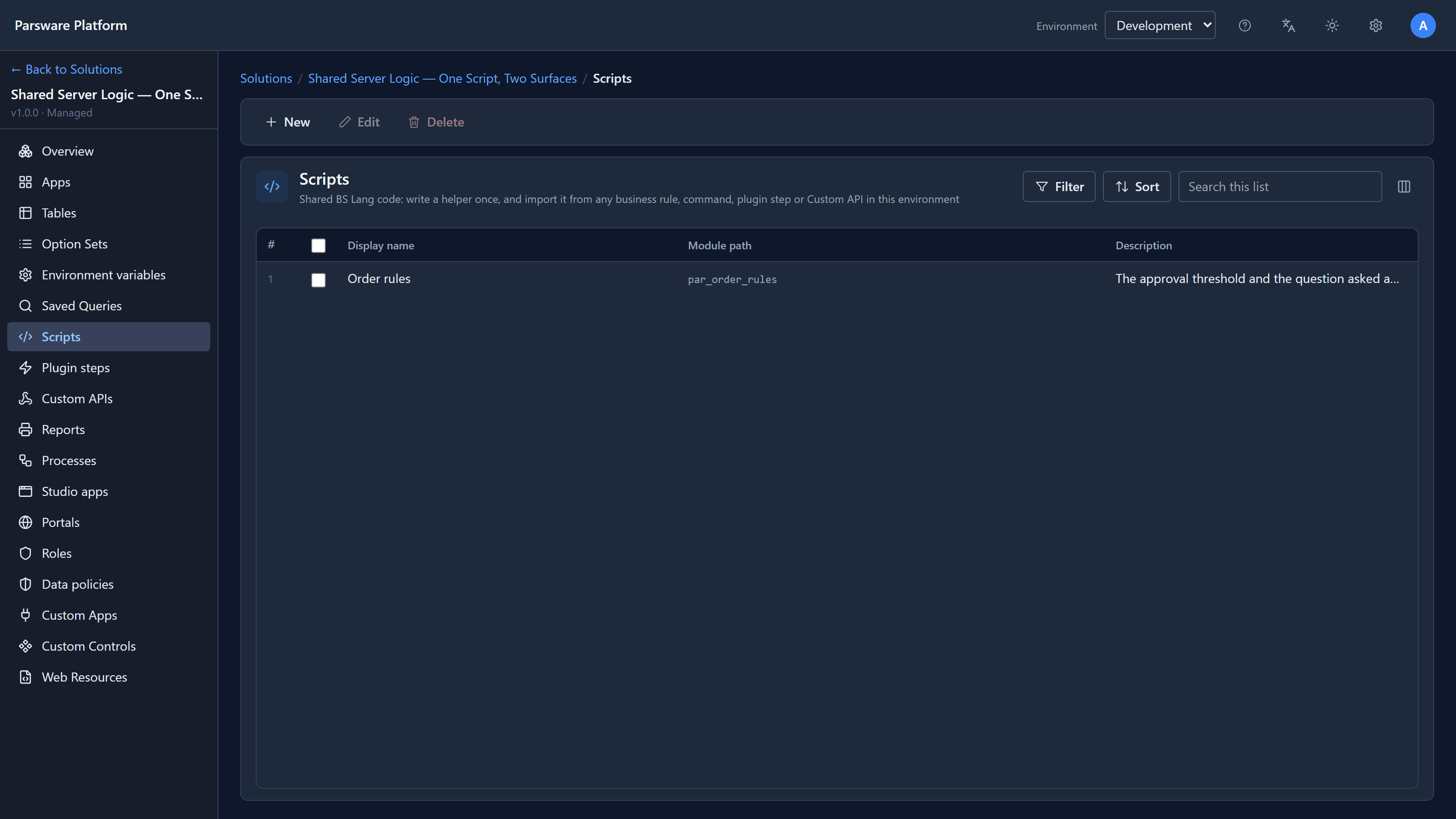
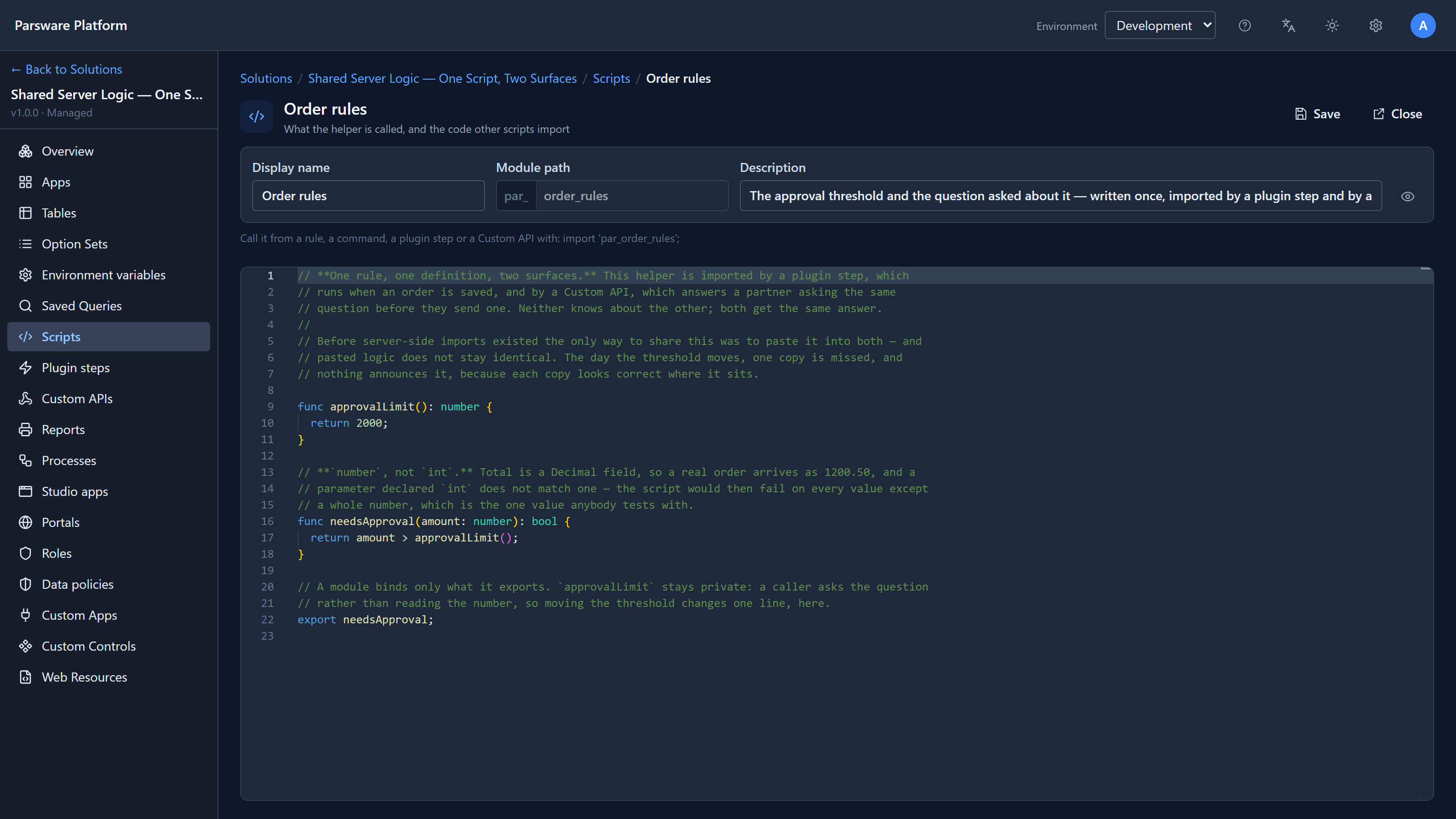
Open the solution and choose Scripts. There's one, Order rules:
Its code is short:
func approvalLimit(): number {
  return 1000;
}

func needsApproval(amount: number): bool {
  return amount > approvalLimit();
}

export needsApproval;
Two functions, and one line that matters more than it looks: export needsApproval;. A script
that imports this one gets only what it exports. So other scripts can ask does this amount
need approval?, but they can't read the number itself. If the limit changes, only this line
changes.
The module path, par_order_rules, is the name other scripts use to import it.
Two scripts that import it
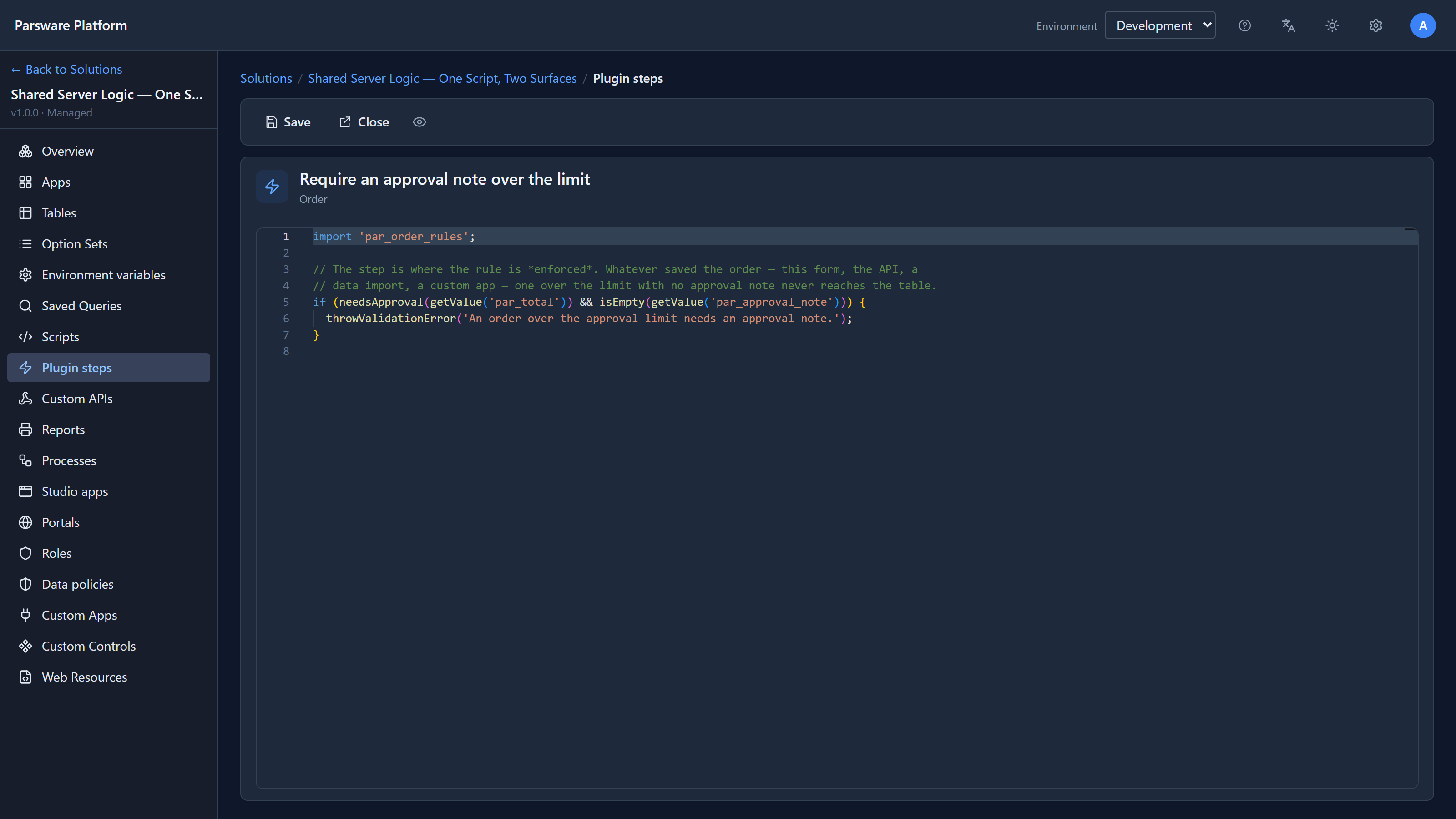
The plugin step, Require an approval note over the limit, runs when an order is created:
The Custom API, Will this order need approval?, answers POST /api/par/v1/orders/needs-approval:
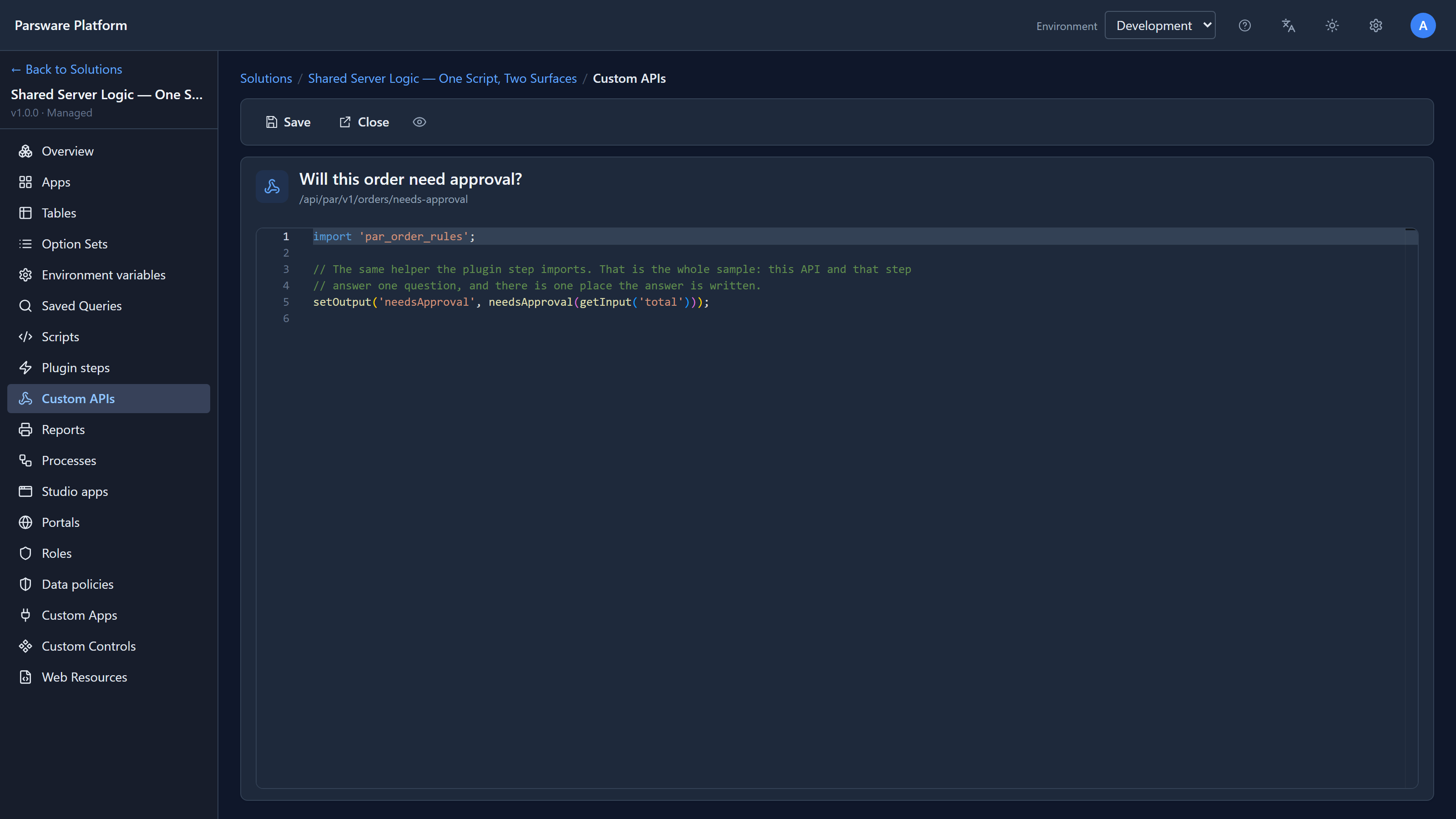
Both start with the same line, import 'par_order_rules';, and both call needsApproval. Neither
one has the number 1000 in it.
Trying it
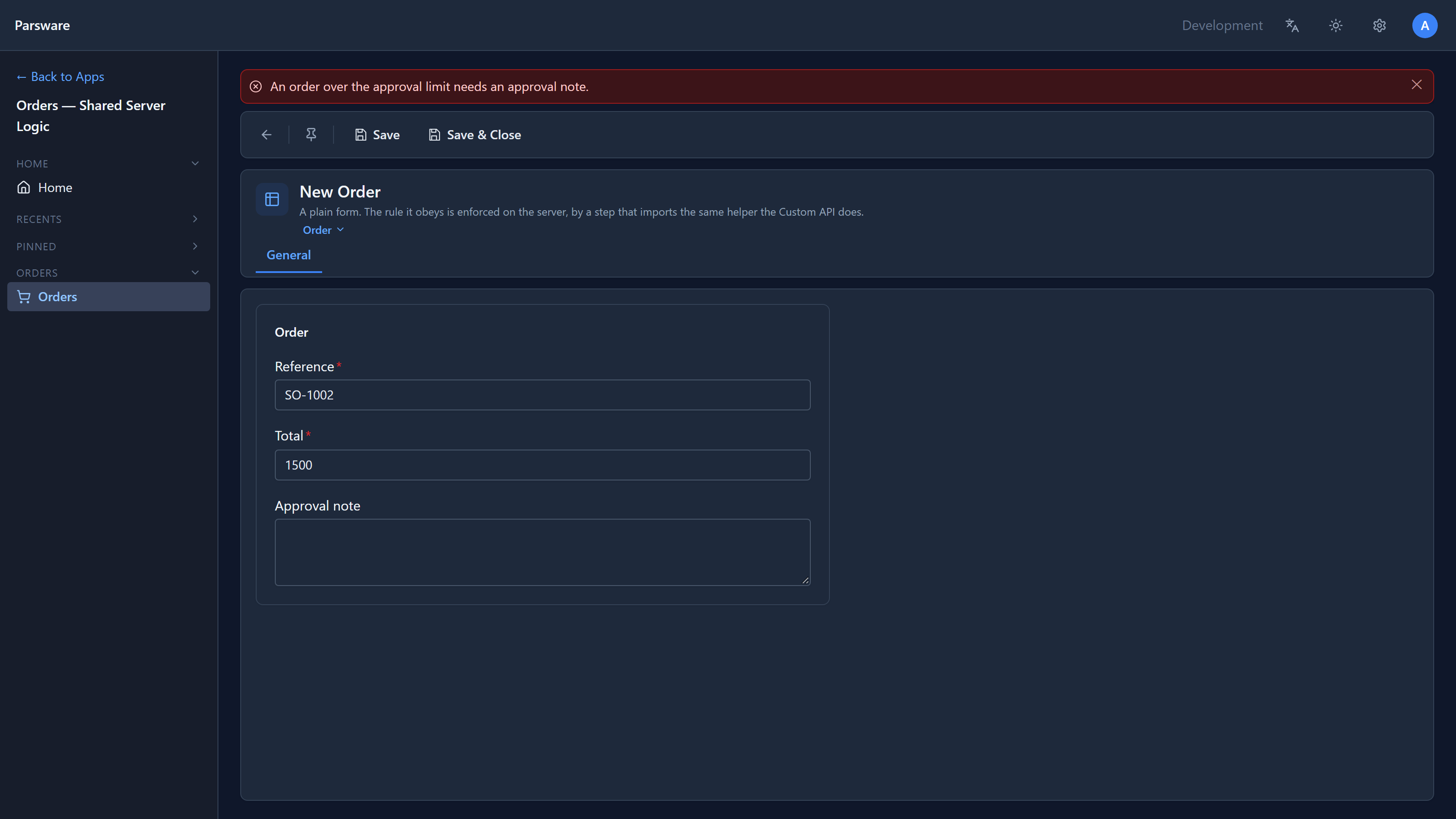
In the Platform Shell, open Orders — Shared Server Logic and add orders:
- 500, no note: saved.
- 1500, no note: refused.
- 1500 with a note: saved.
Then we called the API with the same two totals:
{ "total": 500 }   →  { "needsApproval": false }
{ "total": 1500 }  →  { "needsApproval": true }
The step and the API agree, because they're asking the same function.
Change it in one place
Now the part the sample is for. Back in Scripts, we opened Order rules, changed return 1000;
to return 2000; and saved:
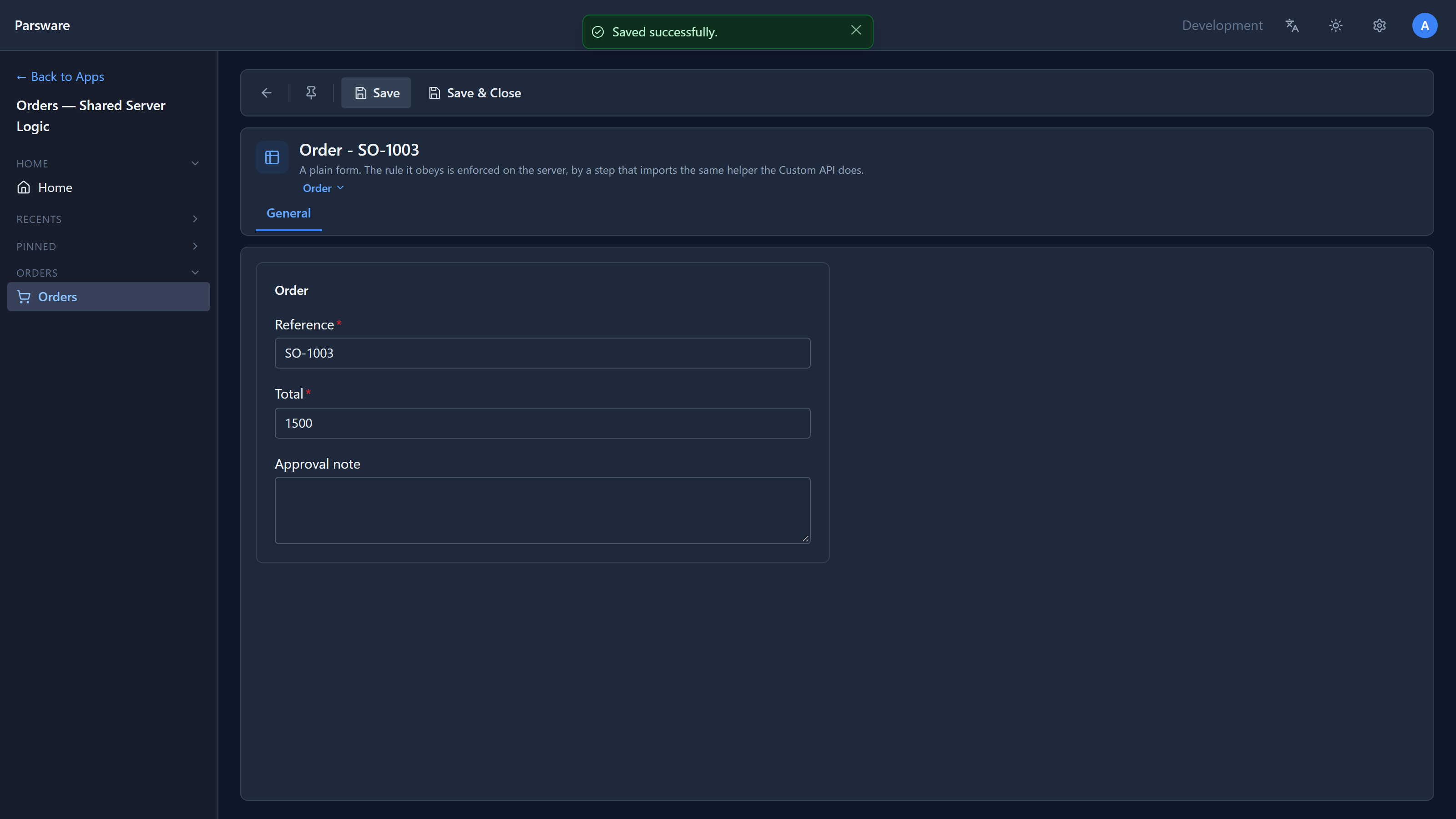
We didn't touch the step or the API. An order of 1500 with no note now saves:
And the API answered { "needsApproval": false } for 1500. Both changed at once, because the rule
was only ever written in one place. (We set it back to 1000 afterwards.)
Export keeps things private
What happens if the step tries to read the limit directly? We added approvalLimit() to the step's
script, without saving:
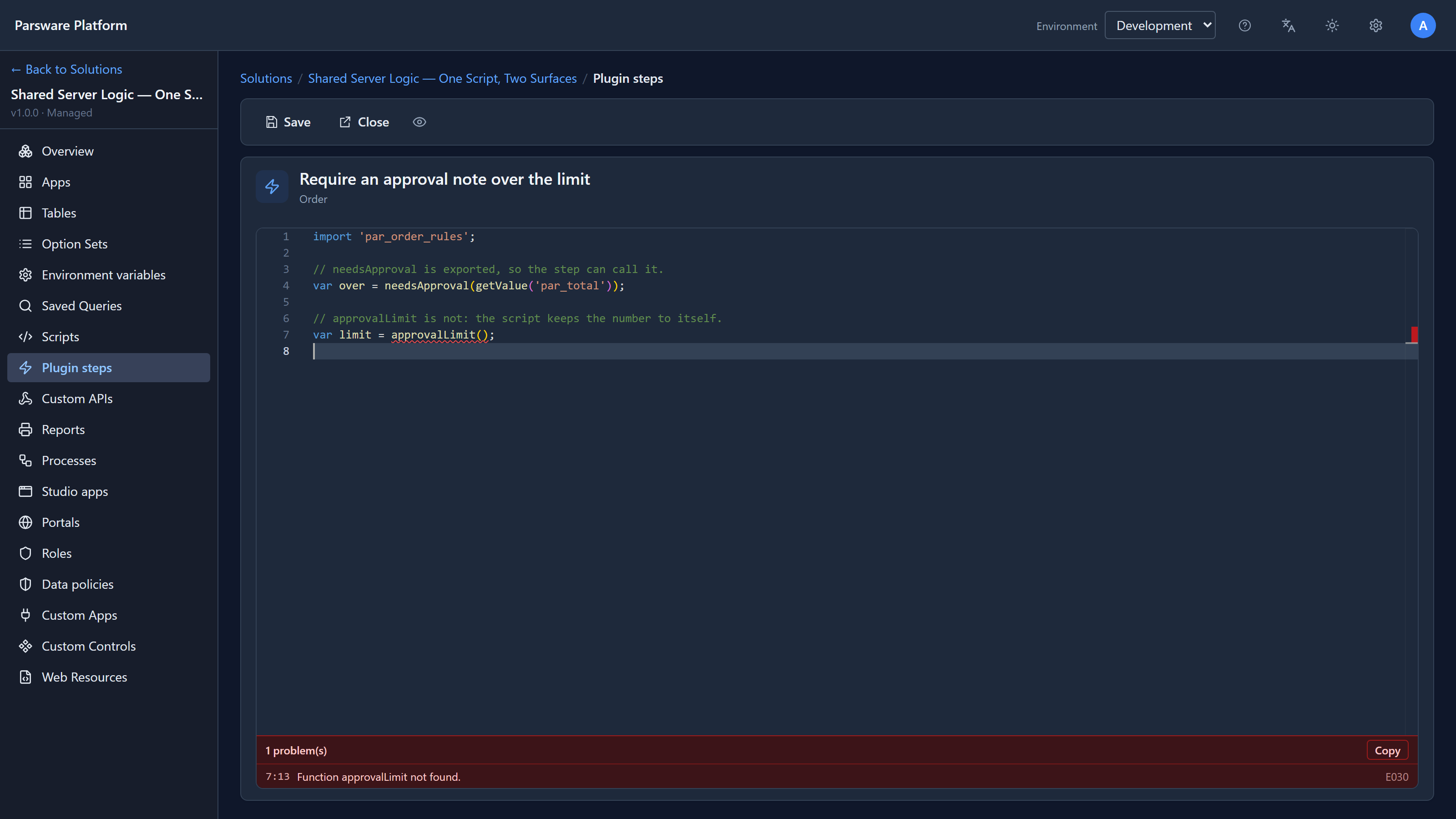
Function approvalLimit not found. It exists in Order rules, but it isn't exported, so to the step it doesn't exist. Export only what other scripts should call, and keep the rest as the script's own business.
Which scripts can import
| Script | Can import a solution script |
|---|---|
| Form rule | ✔ |
| Command button | ✔ |
| Plugin step | ✔ |
| Custom API | ✔ |
| Scheduled job | ✔ |
| Process step | not yet |
A form rule importing a script runs it in the browser; a plugin step runs it on the server. The same script can be imported by both: it's the same language on each side, and a shared test suite holds the browser and server interpreters to the same answers. Just keep to functions both can call: what a script can see has the lists. The completion article shows a form rule importing one.
Process steps can't import yet. A process script that needs the same rule has to carry its own copy for now.
While writing this we also fixed two screens that said a script can be imported only from "a rule or a command". Both now name plugin steps and Custom APIs too, as the pictures above show.
Try it
Import the sample, try the three orders, then change the limit and try them again. Then add a
second exported function to Order rules, say approvalLimitText() returning
`Orders over ${approvalLimit()} need a note`, and use it in the step's message.
Next: calling an outside service from a script, with callService.